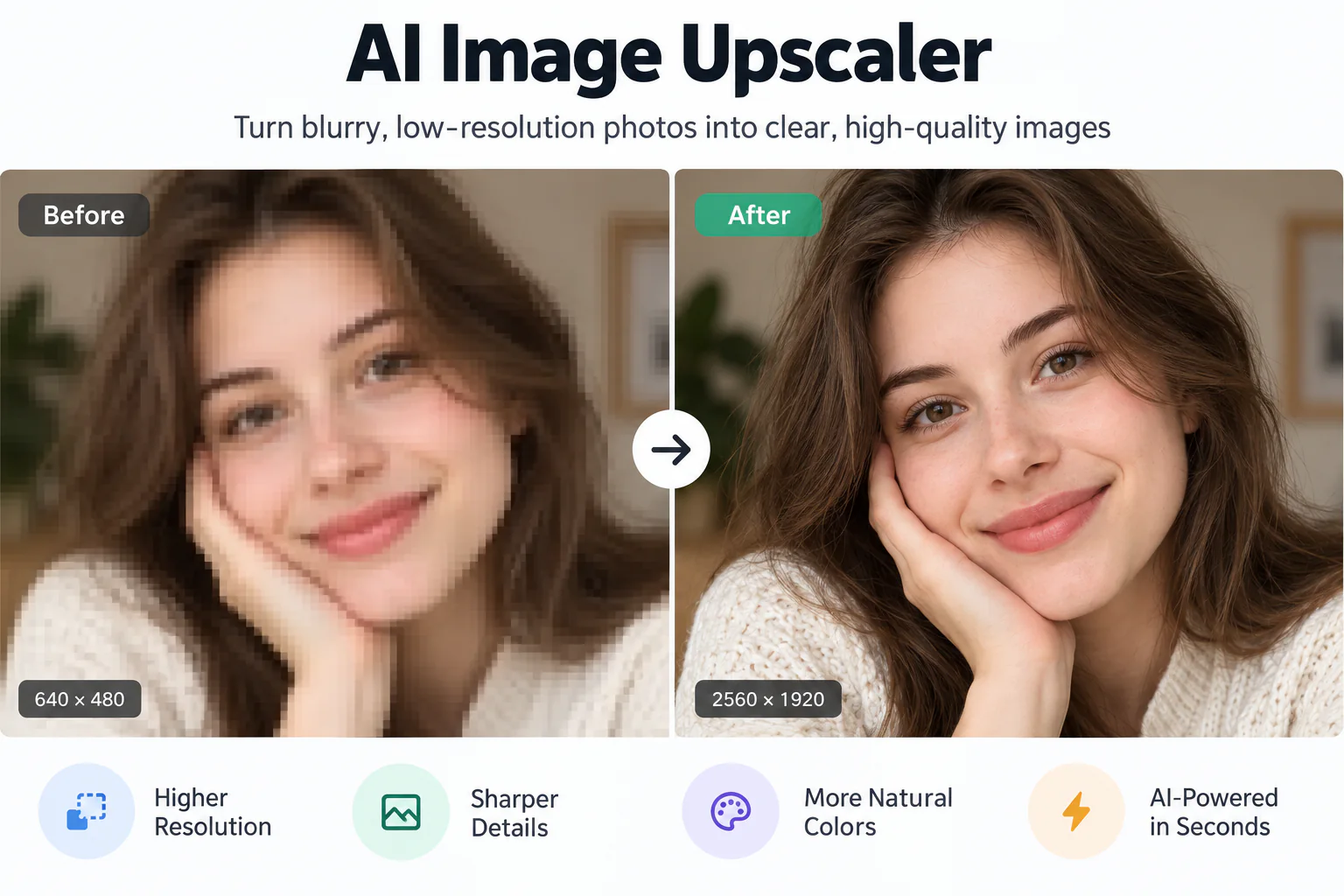
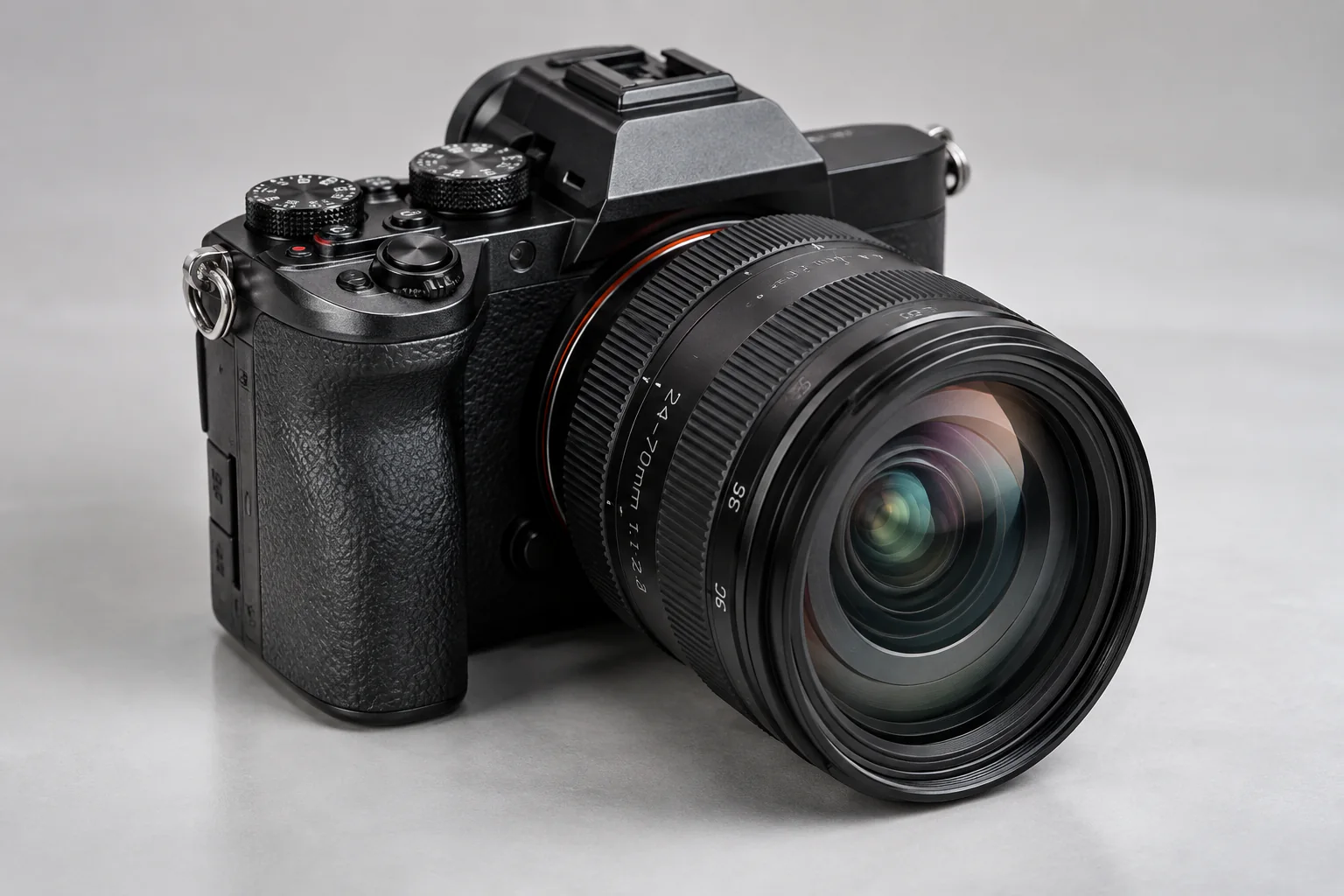
Improve Image Quality AI – Restore Sharp Details & Natural Clarity Online

Improve image quality AI processing with EnhancePhoto turns soft, noisy, or low-clarity photographs into crisp, natural visuals without resizing your image. Reconstruct authentic micro-textures, eliminate digital grain, and inspect the real-time difference with an interactive comparison slider.

Improved quality
Original photo
↔
Original photoImproved quality

Restore Micro-Detail, Fix Soft Focus, and Remove Noise with AI

Improve image clarity at original 1x size without plastic artifacts, harsh sharpening halos, or unwanted canvas resizing.

Reconstruct Natural Micro-Textures Without a Filtered Look
01

Reconstruct Natural Micro-Textures Without a Filtered Look

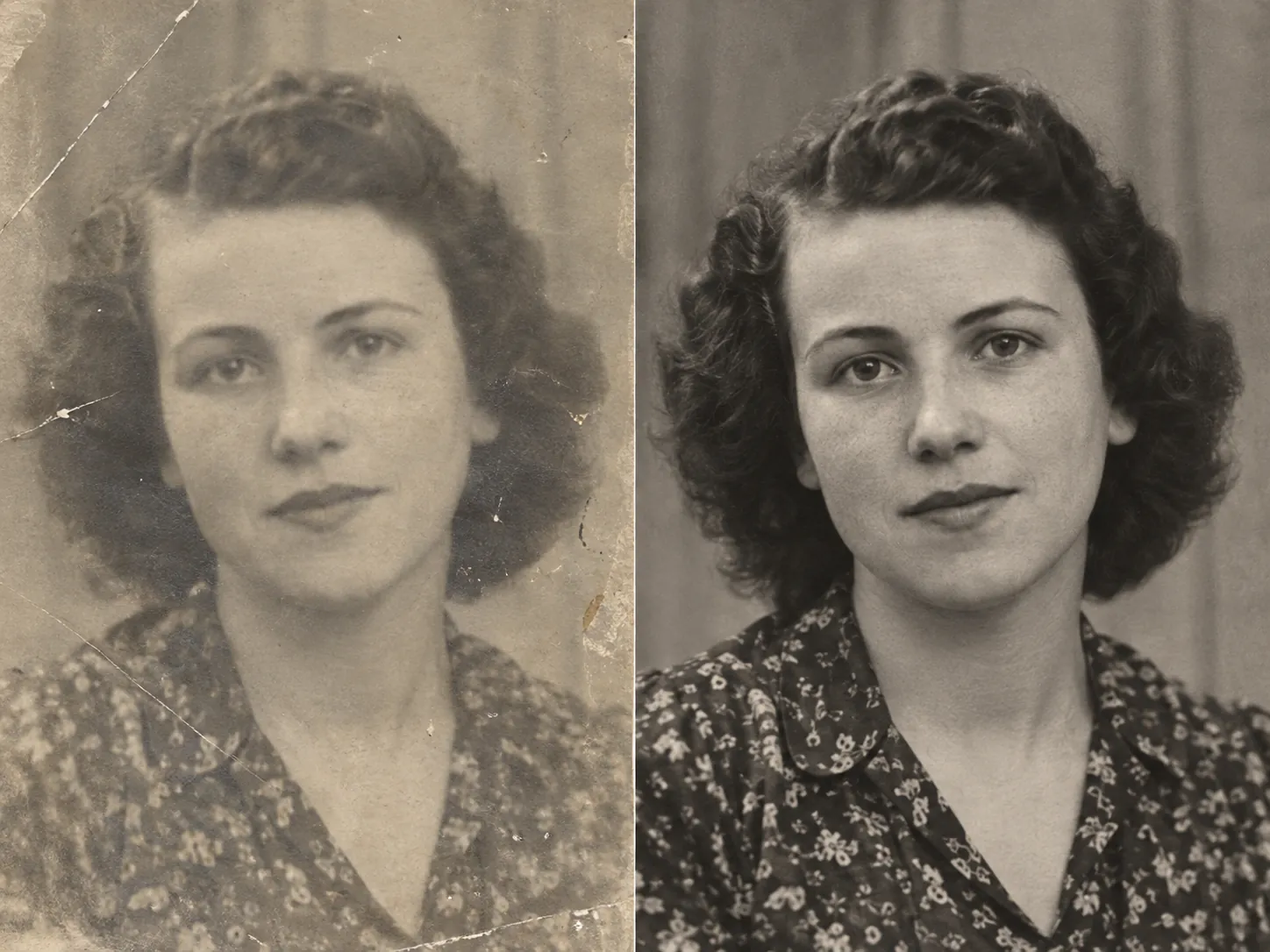
Traditional sharpeners rely on unsharp masking filters that exaggerate edge contrast and create distracting white halos. EnhancePhoto applies generative deep learning to differentiate genuine surface micro-textures—such as clothing fabric, foliage, hair strands, and subtle architectural lines—from digital noise, restoring realistic clarity without a plastic, over-filtered appearance.
Recover Soft Focus and Optical Lens Blur at Native 1x Size
02

Recover Soft Focus and Optical Lens Blur at Native 1x Size

Slight camera movement, missed focal planes, or kit lens softness often leave photos looking dull and indistinct. Our neural model analyzes luminance gradients and optical point spread functions to sharpen soft edges cleanly at 1x resolution. You achieve crisp, clear focus without altering image dimensions or blowing up file sizes unnecessarily.

Intelligent Sensor Noise Reduction and Dynamic Contrast Balance
03

Intelligent Sensor Noise Reduction and Dynamic Contrast Balance

Low-light captures and high-ISO camera settings frequently suffer from chromatic grain and muddy shadow tones. EnhancePhoto separates random noise fluctuations from true subject luminance, suppressing speckles while preserving authentic textures. Midtone contrast and tonal balance are restored naturally without crushing shadow detail.

Optimized Clarity for Product Listings, Portraits, and AI Art
04

Optimized Clarity for Product Listings, Portraits, and AI Art

Whether preparing e-commerce catalog photos for Amazon and Shopify, refining personal portraits for professional profiles, or cleaning up fuzzy outputs from AI image generators, EnhancePhoto delivers crisp visual fidelity. Your graphics look sharp across high-DPI Retina screens and marketing presentations.

Upscale improved images to 4K

How to Improve Image Quality with AI in 3 Steps

Restore lost clarity in three simple steps: upload your photo, allow our generative model to rebuild fine micro-textures and eliminate noise at native 1x size, then compare results side by side before downloading.

  1. 1

    Upload your photo

    Select a JPG, JPEG, PNG, or WebP image up to 10 MB. High-contrast captures, soft camera photos, product listings, and digital art are all supported.

  2. 2

    AI reconstructs clarity at native size

    Our deep neural network analyzes soft edges, eliminates sensor noise, and synthesizes authentic micro-textures without enlarging or distorting pixel dimensions.

  3. 3

    Inspect side by side and export

    Slide the interactive Before/After comparison bar to verify recovered details and crisp clarity, then download your high-fidelity, print-ready image.

Complementary tools to boost your image workflow

Combine native quality improvement with upscaling, compression cleanup, and vintage photo restoration.

Upscale improved images to 4K

Enlarge your clarified photo up to 4K or 8K resolution for large-format printing and high-DPI displays without losing crispness.

Open Image Upscaler

Fix compressed JPEG artifacts

Eliminate 8x8 DCT grid blocking, ringing halos, and compression noise from degraded social media photos.

Open JPEG Enhancer

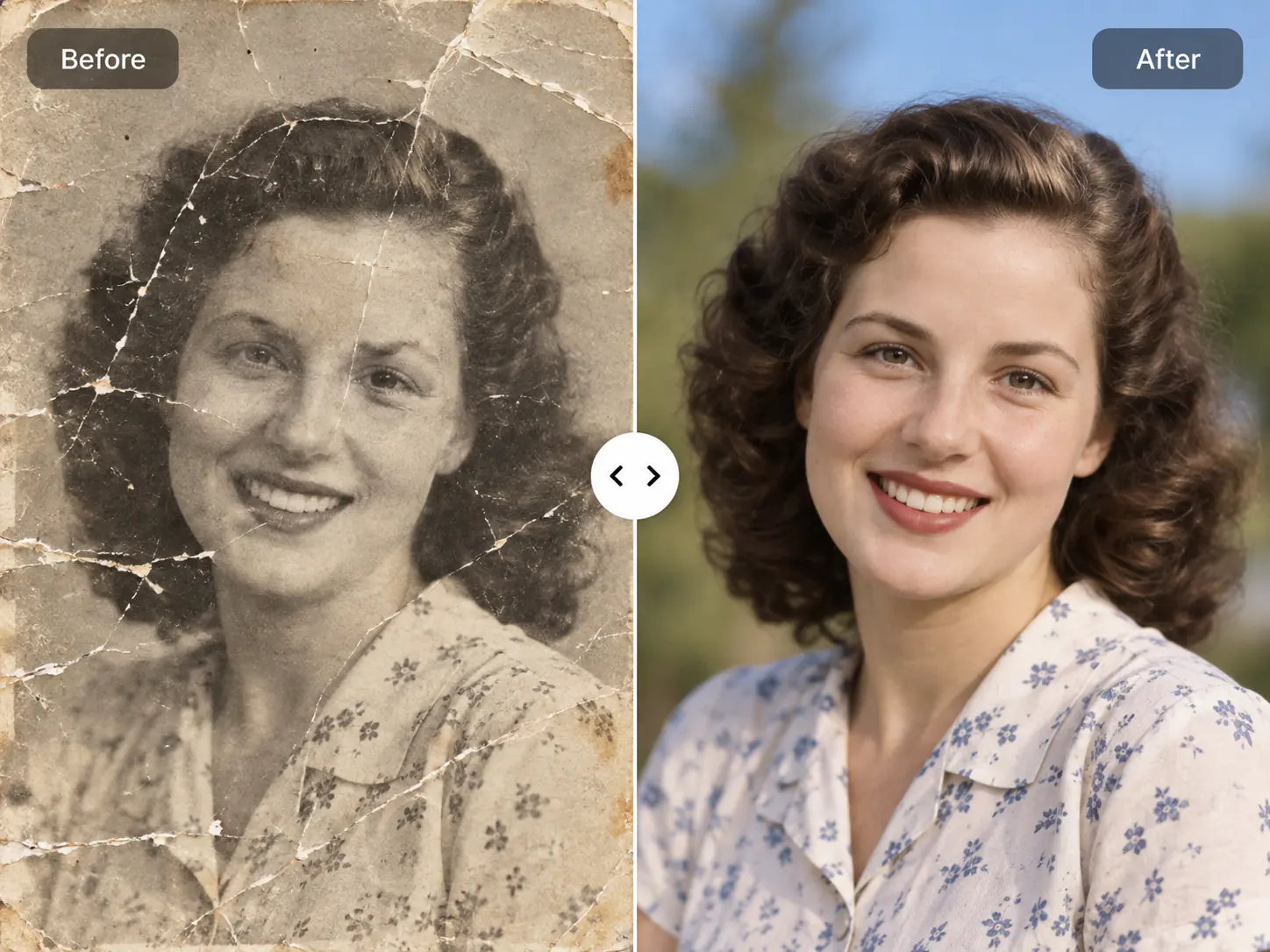
Restore vintage family photographs

Repair physical scratches, tears, dust speckles, and faded contrast on historic heirloom prints.

Open Photo Restoration

Improve Image Quality AI FAQ

Frequently asked questions about improving photo quality with AI, maintaining original dimensions, comparing with upscaling, and free online preview.

Improve Image Quality AI FAQ

Frequently asked questions about improving photo quality with AI, maintaining original dimensions, comparing with upscaling, and free online preview.

  1. 1

    How does EnhancePhoto improve image quality with AI?

    EnhancePhoto uses deep convolutional neural networks to improve image quality with AI by reconstructing missing micro-textures, sharpening soft focus transitions, and suppressing digital sensor noise at native 1x resolution. Unlike traditional sharpeners that merely boost edge contrast and accentuate noise, our generative vision model infers lost fine details from millions of professional reference photos, delivering crisp, natural clarity without artificial halos or plastic skin.

  2. 2

    Can I use EnhancePhoto to improve image quality with AI for free?

    Yes, EnhancePhoto lets you improve image quality with AI online for free with full interactive Before/After preview access in your web browser. You can upload any soft, grainy, or under-detailed photograph and evaluate the side-by-side clarity improvement before spending credits or downloading the uncompressed high-resolution output.

  3. 3

    How do I improve image quality without enlarging or changing the photo size?

    To improve image quality without enlarging your photo, EnhancePhoto processes your image at its original 1x pixel dimensions rather than forcing 2x or 4x magnification. The neural network reconstructs sub-pixel edge definition, eliminates sensor noise, and recovers fine surface textures while keeping pixel width and height unchanged, preserving exact layout dimensions for web design and digital publishing.

  4. 4

    What is the difference between an AI tool that improves image quality and an image upscaler?

    Improving image quality focuses on fidelity—reconstructing lost textures, refining soft focus, and reducing noise at native size—while an image upscaler multiplies pixel count (such as 2x or 4x to 4K resolution). Upscalers increase canvas dimensions for large prints, but applying an upscaler to an already degraded shot can magnify flaws. For optimal visual results, improve image quality first to restore clean micro-details, then optionally upscale the result.

  5. 5

    What is the difference between improving image quality with AI and using a JPEG enhancer?

    A JPEG enhancer specifically targets 8x8 discrete cosine transform (DCT) compression grids and chroma subsampling artifacts, whereas an AI image quality tool refines overall optical clarity, sensor noise, and fine textures. If your photo suffers from heavy blocky compression after repeated WhatsApp or social media sharing, use our JPEG enhancer. For soft camera focus, lens softness, or low-light grain across JPG, PNG, or WebP images, use this quality tool.

  6. 6

    How does AI image quality improvement compare to Photoshop unsharp mask?

    Photoshop unsharp masking artificially boosts high-contrast edge gradients, which frequently introduces harsh white halos and exaggerates sensor grain. In contrast, EnhancePhoto uses deep learning to synthesize realistic high-frequency detail based on context. It distinguishes authentic subject textures like fabric weave or hair strands from digital noise, yielding natural sharpness rather than a brittle filtered look.

  7. 7

    Can AI improve photo quality for product photos, portraits, and screenshots?

    Yes, our AI improves photo quality across e-commerce product listings, portrait photography, social media visuals, and UI screenshots with specialized feature handling. It refines fabric weave and product edges for higher marketplace conversions, restores eyelash and iris clarity while keeping skin natural in portraits, and eliminates compression fuzz around UI buttons and graphics in screenshots.

  8. 8

    Does improving image quality with AI alter facial features or identity?

    No, EnhancePhoto strictly preserves facial geometry, ethnic identity, eye shape, and personal expressions during quality enhancement. The neural network enhances facial clarity by defining eyelashes, lips, hair strands, and subtle skin pores, carefully avoiding the artificial airbrushed or waxy plastic look common in lower-grade filter apps.

  9. 9

    Are my uploaded images kept confidential and secure?

    Yes, your uploaded images and enhanced results remain strictly private and protected under enterprise-grade encryption. EnhancePhoto never publishes your images to public galleries or uses your private photos to train public machine learning models. Your files are accessible solely from your private History and can be deleted at any time.

  10. 10

    Can I use the improved images commercially, and what formats are supported?

    Yes, you retain 100% commercial ownership rights to all improved photos, and EnhancePhoto supports JPG, JPEG, PNG, and WebP files up to 10 MB. You can immediately publish your improved visuals on Amazon, Shopify, social advertising channels, marketing brochures, client deliverables, and physical print portfolios without royalty restrictions.

Ready to Improve Your Image Quality with AI Online?

Upload your soft, noisy, or low-clarity photo now to inspect crisp, natural micro-textures restored in seconds.