Make Blurry Image Clear – Fix Motion Blur and Soft Focus Online

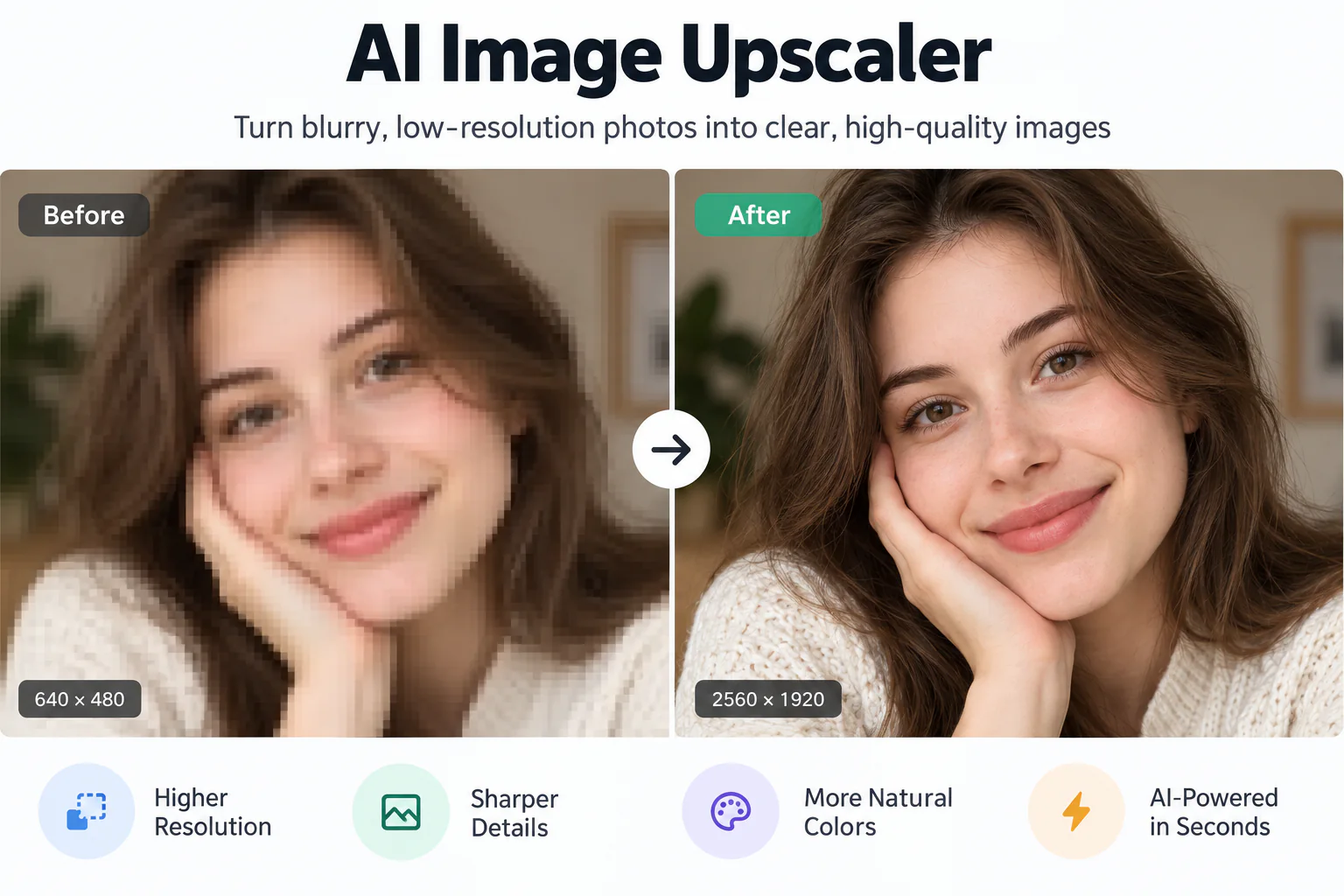
Transform out-of-focus captures and handheld camera shake into crisp, sharp photographs with EnhancePhoto. Reconstruct subtle edge definitions and facial contours using intelligent clarity recovery, verified with an instant side-by-side comparison slider.

Clear
Blurry
↔
BlurryClear

Reverse Camera Shake, Motion Blur, and Missed Autofocus

Restore true optical sharpness across portrait expressions, action snapshots, and dim handheld photos without artificial halos or waxy smoothing.

Directional Motion Blur and Handheld Camera Shake Correction
01

Directional Motion Blur and Handheld Camera Shake Correction

When a camera moves while the shutter is open, subjects blur along the movement vector. EnhancePhoto estimates camera motion trajectories and deconvolves smeared pixels, returning clean edges and stable contours to handheld indoor shots.
Autofocus Falloff and Shallow Depth-of-Field Sharpening
02

Autofocus Falloff and Shallow Depth-of-Field Sharpening

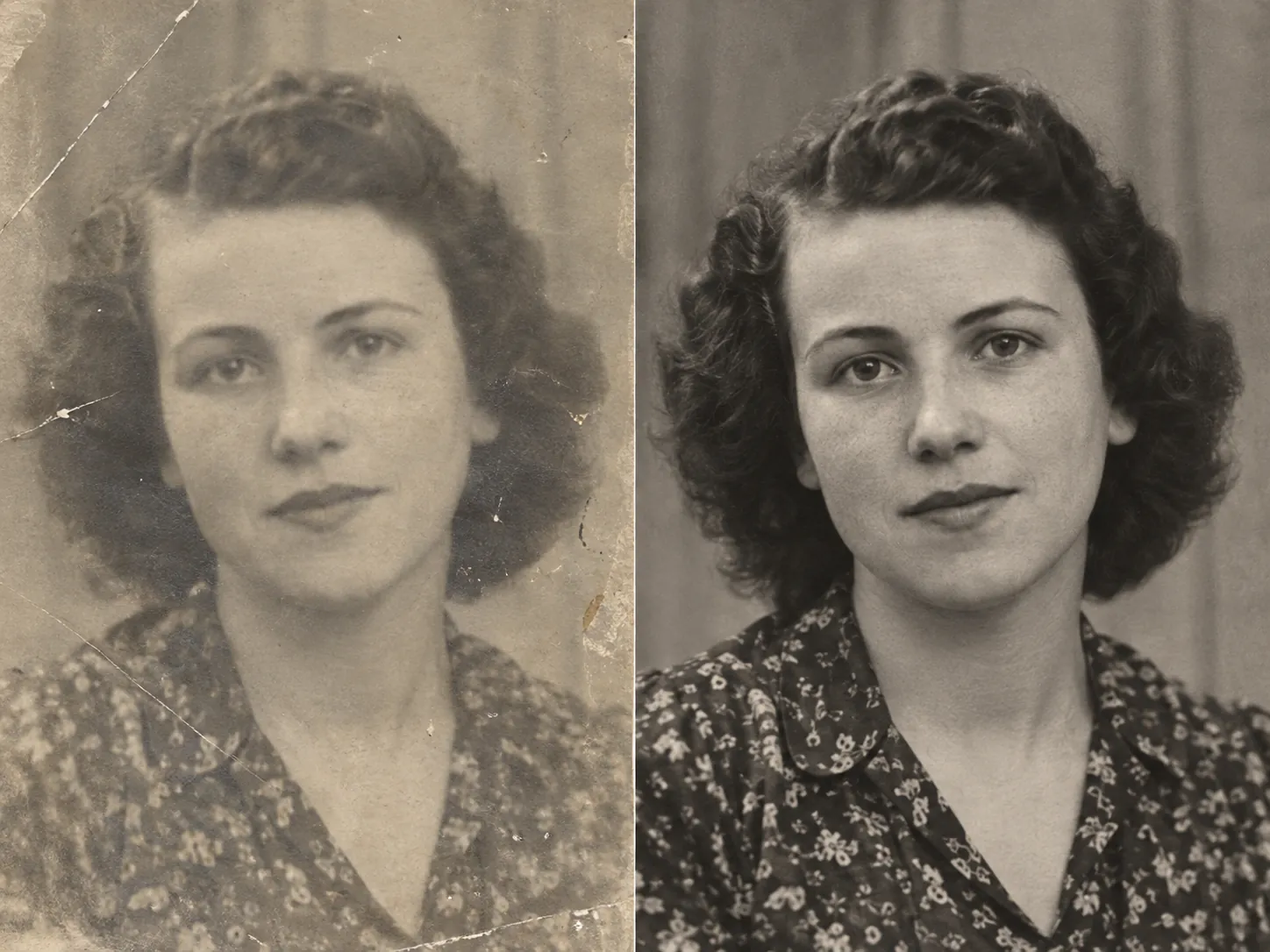
Missed autofocus frequently leaves eyes or faces slightly soft while the background remains sharp. Our clarity recovery model analyzes optical depth gradients to sharpen focal subjects cleanly without accentuating background noise.

Low-Light Shutter Lag and Mobile Sensor Recovery
03

Low-Light Shutter Lag and Mobile Sensor Recovery

Small smartphone sensors compensate for dim lighting with longer shutter speeds, making night and indoor photos especially prone to blur. EnhancePhoto recovers crisp subject boundaries and fine hair textures while preventing harsh ringing artifacts.

Authentic Detail Reconstruction for Portraits and Action Scenes
04

Authentic Detail Reconstruction for Portraits and Action Scenes

Rather than applying blunt unsharp masking that introduces ugly white borders, EnhancePhoto infers natural surface micro-textures so expressions, clothing weaves, and environmental details look lifelike.

Upscale clear images to 4K

How to Make a Blurry Image Clear in 3 Simple Steps

Turn soft, blurry snapshots into sharp visuals: upload your photo, let neural deconvolution sharpen edges and recover lost focus, then inspect the side-by-side comparison before exporting.

  1. 1

    Upload your blurry picture

    Select any JPG, JPEG, PNG, or WebP photo up to 10 MB. Handheld camera shake, soft autofocus portraits, and fast motion snapshots are ready to process.

  2. 2

    AI calculates blur trajectory and restores sharpness

    Our neural clarity engine detects directional motion paths and optical defocus, reconstructing clean edge transitions and fine facial features.

  3. 3

    Compare side by side and export

    Slide the interactive Before/After comparison bar to evaluate recovered sharpness against your original shot, then download your clear photo.

Next steps after making your blurry image clear

Pair your freshly sharpened image with upscaling for prints, compression cleanup, or vintage print damage repair.

Upscale cleared photos to 4K resolution

Enlarge your sharp, deblurred photo up to 4K or 8K resolution for large-format displays and high-DPI printing.

Open Image Upscaler

Eliminate blocky JPEG compression artifacts

Remove 8x8 DCT grid blocking, mosquito noise, and compression pixelation caused by social messaging apps.

Open JPEG Enhancer

Repair vintage, physically damaged prints

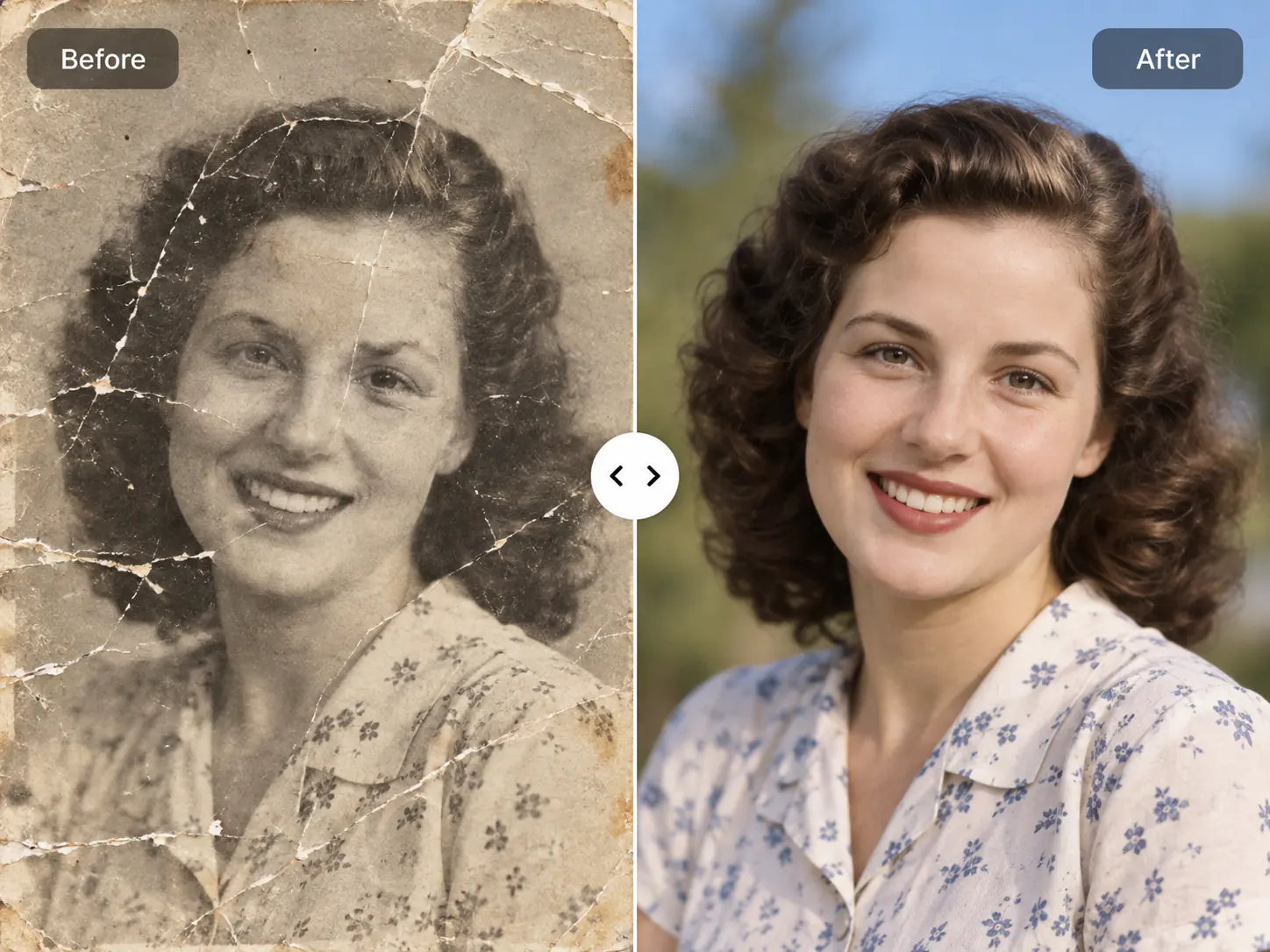
Restore antique heirloom photographs suffering from physical surface scratches, fold creases, water spots, and color fading.

Open Photo Restoration

Make Blurry Image Clear FAQ

Frequently asked questions about turning blurry photos clear, fixing camera shake, resolving autofocus errors, and free online clarity recovery.

Make Blurry Image Clear FAQ

Frequently asked questions about turning blurry photos clear, fixing camera shake, resolving autofocus errors, and free online clarity recovery.

  1. 1

    How do I make a blurry image clear online for free?

    To make a blurry image clear online for free, upload your photo to EnhancePhoto and let the AI automatically correct motion blur and soft focus. You can inspect the restored sharpness side by side using the interactive slider directly in your browser before using free starter credits to download your full-resolution result.

  2. 2

    What is the difference between motion blur, soft focus, and compression artifacts?

    Motion blur results from camera or subject movement during exposure, soft focus stems from missed lens autofocus, and compression artifacts are blocky digital squares caused by lossy file encoding. EnhancePhoto's clarity recovery tool specializes in calculating motion trajectories and optical focal depth, whereas our JPEG Enhancer addresses digital 8x8 DCT compression grids.

  3. 3

    How does making a blurry image clear differ from photo restoration?

    Making an image clear fixes optical blur, camera shake, and soft focus on digital captures, while photo restoration repairs physical damage such as paper scratches, cracks, and chemical fading on antique prints. If you have a blurry smartphone or digital camera picture, use this page; if you have a scanned vintage heirloom with tears and creases, navigate to our Photo Restoration tool.

  4. 4

    How does this tool differ from the text enhancer and image upscaler?

    This tool fixes optical blur on entire photographic scenes, whereas the text enhancer specifically clarifies blurry document letters and the upscaler increases overall pixel dimensions to 4K. If you need to read tiny illegible text in screenshots, visit our Text Enhancer; if your photo is already sharp but needs larger dimensions for printing, use our Image Upscaler.

  5. 5

    Can EnhancePhoto make blurry portrait photos and faces clear?

    Yes, EnhancePhoto precisely recovers blurry facial features, defining eyes, eyelashes, and smile contours while preserving authentic skin texture without artificial airbrushing. The neural clarity model identifies facial landmarks to counteract slight head turns and focal drift, keeping individual facial geometry authentic and natural.

  6. 6

    How do I fix blurry action shots and moving subjects?

    To fix blurry action shots, upload the picture to EnhancePhoto, where directional deconvolution analyzes the movement path and reconstructs crisp subject edges. Whether capturing sports, playful pets, or moving children, the algorithm separates moving subjects from static backgrounds to sharpen smeared silhouettes cleanly.

  7. 7

    Can AI make low-light, shaky smartphone photos clear?

    Yes, EnhancePhoto fixes blurry low-light photos by counteracting the handheld camera shake that occurs when mobile cameras use slow shutter speeds in dim environments. It clarifies soft focal planes and sharpens muddy contours without amplifying the sensor grain or color noise commonly found in dark indoor captures.

  8. 8

    What image file formats and file sizes can I upload?

    You can upload JPG, JPEG, PNG, or WebP image files up to 10 MB in size for instant clarity processing. The tool works directly inside desktop and mobile browsers, accepting standard camera rolls, downloads, and screenshots with zero file conversion required.

  9. 9

    Are my uploaded photos kept secure and private?

    Yes, your uploaded images and clear outputs remain strictly private and are never shared publicly or used to train public machine learning datasets. All files are securely encrypted during processing, stored in your personal account History, and can be permanently deleted by you at any time.

  10. 10

    Can I use the cleared images for commercial marketing and client work?

    Yes, you retain full ownership and commercial usage rights for all photos processed through EnhancePhoto. You can freely feature your clarified images in e-commerce stores, social media advertising, print publications, and commercial photography client deliveries.

Ready to Make Your Blurry Image Crisp and Clear?

Upload your out-of-focus or motion-blurred photo now and inspect crisp, restored details in seconds.