Free AI JPEG Enhancer – Fix Compression Artifacts & Restore JPG Quality Online

Turn pixelated, heavily compressed JPG images into clean, crisp photos with our free online JPEG enhancer. Erase 8x8 DCT blocking, eliminate mosquito noise, and restore natural textures with an instant side-by-side comparison slider.

Enhanced
Compressed JPEG
↔
Compressed JPEGEnhanced

Eliminate JPEG Compression Artifacts and Restore High-Fidelity Details

Reverse lossy compression damage, smooth unsightly block pixelation, wipe color banding, and rebuild crisp contours across any JPG photo.

Neural 8x8 DCT Deblocking Without Detail Loss
01

Neural 8x8 DCT Deblocking Without Detail Loss

Standard lossy JPEG compression splits images into 8x8 discrete cosine transform blocks, resulting in harsh grid seams across skies, skin, and backgrounds. EnhancePhoto uses generative neural models to dissolve blocky boundary seams smoothly while safeguarding fine hair, foliage, and structural edges.
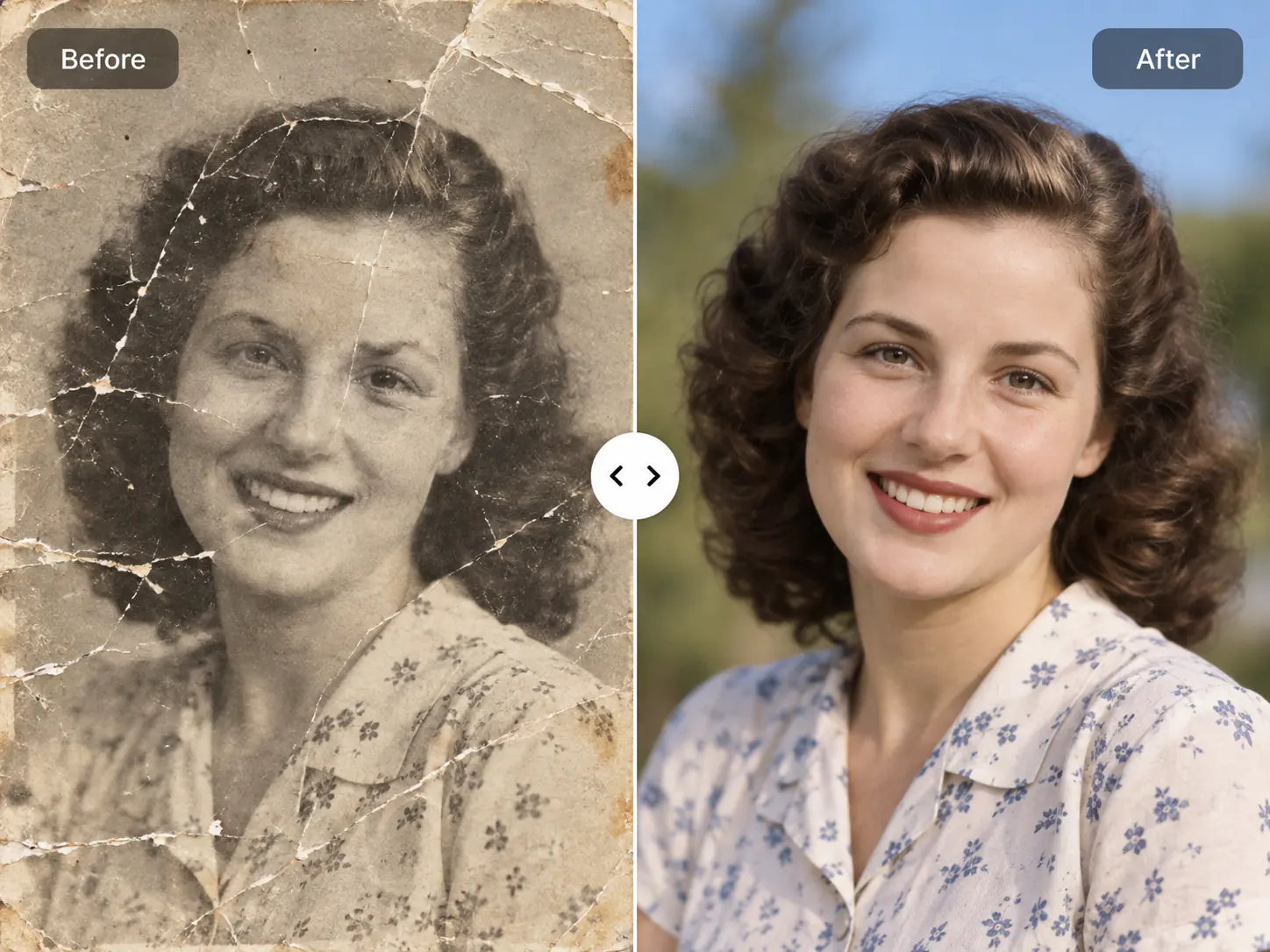
Suppression of Mosquito Noise and Ringing Halos
02

Suppression of Mosquito Noise and Ringing Halos

High-contrast boundaries such as text, logos, architectural edges, and silhouettes frequently develop ugly ringing artifacts and fuzzy mosquito noise during compression. Our de-quantization engine reconstructs crisp, clean lines without inducing artificial softness or blur.

Chrominance Subsampling Repair and Color Banding Fix
03

Chrominance Subsampling Repair and Color Banding Fix

JPEG encoders routinely drop color resolution to 4:2:0 subsampling, causing muddy chroma blotches, discolored skin patches, and abrupt color banding. EnhancePhoto reconstructs full-fidelity color depth across shadow and midtone gradients for vibrant, lifelike visuals.

Restoration for Social Media and Messaging Captures
04

Restoration for Social Media and Messaging Captures

Photos transferred through WhatsApp, Messenger, Instagram, or email often endure multiple re-compression cycles that degrade quality severely. EnhancePhoto restores crisp clarity to compressed profile shots, product listings, and digital photo memories.

Upscale enhanced JPEGs to 4K

How to Use the Free JPEG Enhancer to Fix JPG Quality

Restore degraded JPG files in three straightforward steps: upload your compressed picture, allow our neural network to deblock and reconstruct missing high frequencies, then inspect your restored photo side by side before downloading.

  1. 1

    Upload your compressed JPEG

    Select a JPG, JPEG, PNG, or WebP photo up to 10 MB. Heavily compressed social media downloads and low-quality camera captures are fully supported.

  2. 2

    AI eliminates artifacts and recovers texture

    Our neural network analyzes 8x8 DCT compression grids, eliminates mosquito noise and chroma blotches, and reconstructs authentic high-frequency edge details.

  3. 3

    Compare side by side and export

    Slide the interactive Before/After comparison bar to verify artifact removal and texture clarity, then download your restored, print-ready image.

Next steps after JPEG quality enhancement

Combine your deblocked JPEG with our complementary upscaling, general clarity enhancement, and photo restoration tools.

General AI image enhancement

Enhance overall optical focus, lighting balance, and natural textures across uncompressed or general photographs.

Open Image Enhancer

Upscale enhanced JPEGs to 4K

Enlarge your deblocked photo up to 4K or 8K resolution for large-format printing and Retina displays.

Open Image Upscaler

Restore vintage family prints

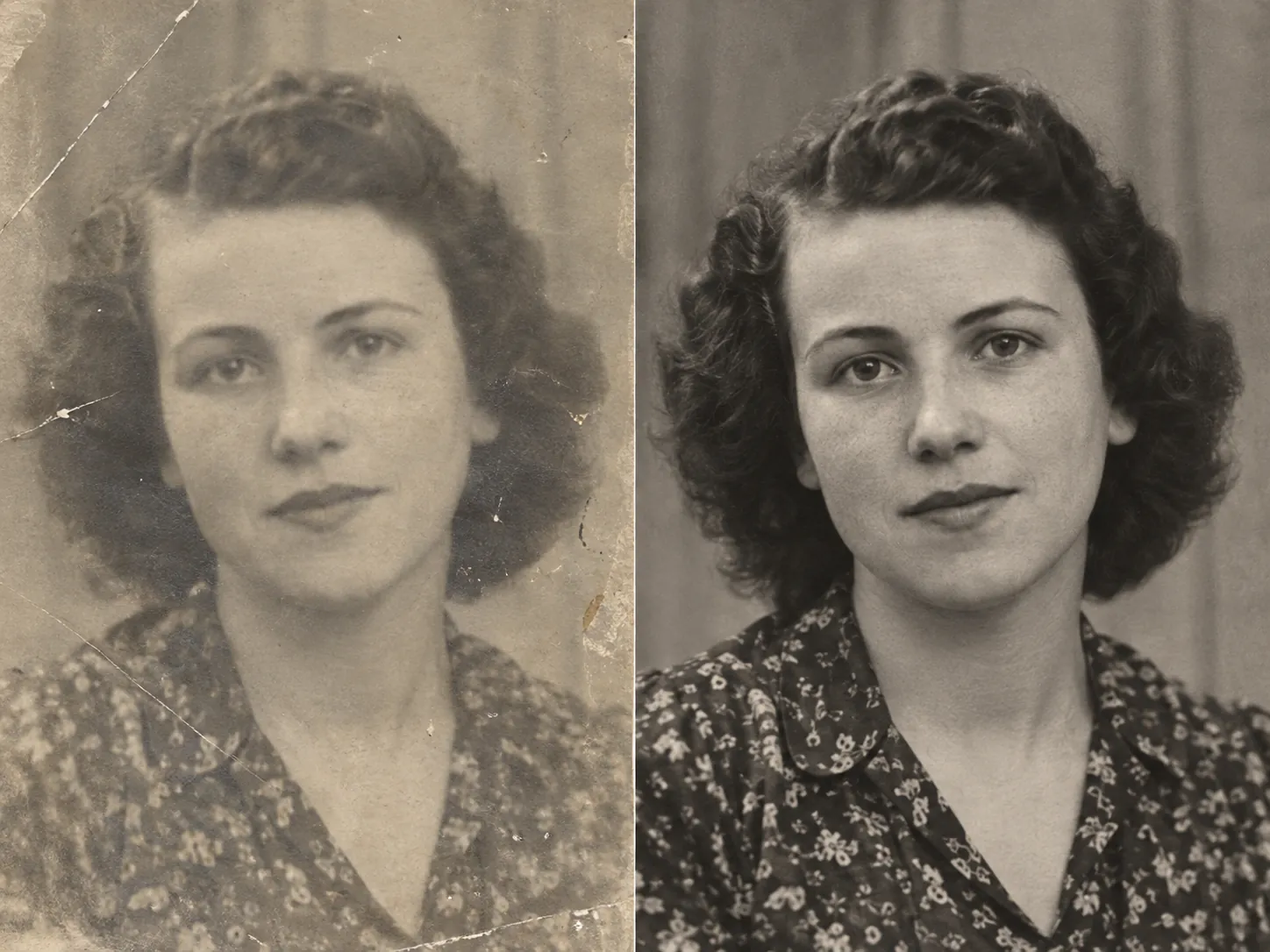
Repair physical cracks, scratches, dust marks, and fading on antique heirloom photographs.

Open Photo Restoration

JPEG Enhancer FAQ

Answers to common questions about JPEG compression artifact removal, JPG quality enhancement, social media photo repair, and free online processing.

JPEG Enhancer FAQ

Answers to common questions about JPEG compression artifact removal, JPG quality enhancement, social media photo repair, and free online processing.

  1. 1

    What is a JPEG enhancer and how does it improve JPG quality?

    A JPEG enhancer is an AI-powered tool that removes lossy compression damage, such as 8x8 block artifacts, ringing halos, and chroma noise, to restore crisp image clarity. Traditional sharpeners merely amplify compression noise, but EnhancePhoto uses deep learning to predict and reconstruct lost high-frequency textures, producing a clean, natural photograph.

  2. 2

    Can I use the EnhancePhoto JPEG enhancer online for free?

    Yes, EnhancePhoto offers free online preview access for all users without requiring an upfront subscription. You can upload any compressed JPG image and inspect the interactive side-by-side Before/After enhancement directly in your browser before using credits to download the full-resolution result.

  3. 3

    How do I fix pixelated or blocky JPEGs saved from WhatsApp or social media?

    To fix heavily compressed WhatsApp or social media photos, simply upload the image to EnhancePhoto and let our neural deblocking model automatically smooth compression grids. Messaging apps aggressively downsample pictures to save bandwidth, but our AI detects 8x8 DCT blocking patterns and synthesizes missing edge details to restore crisp visual clarity.

  4. 4

    What is the difference between a JPEG enhancer and an image upscaler?

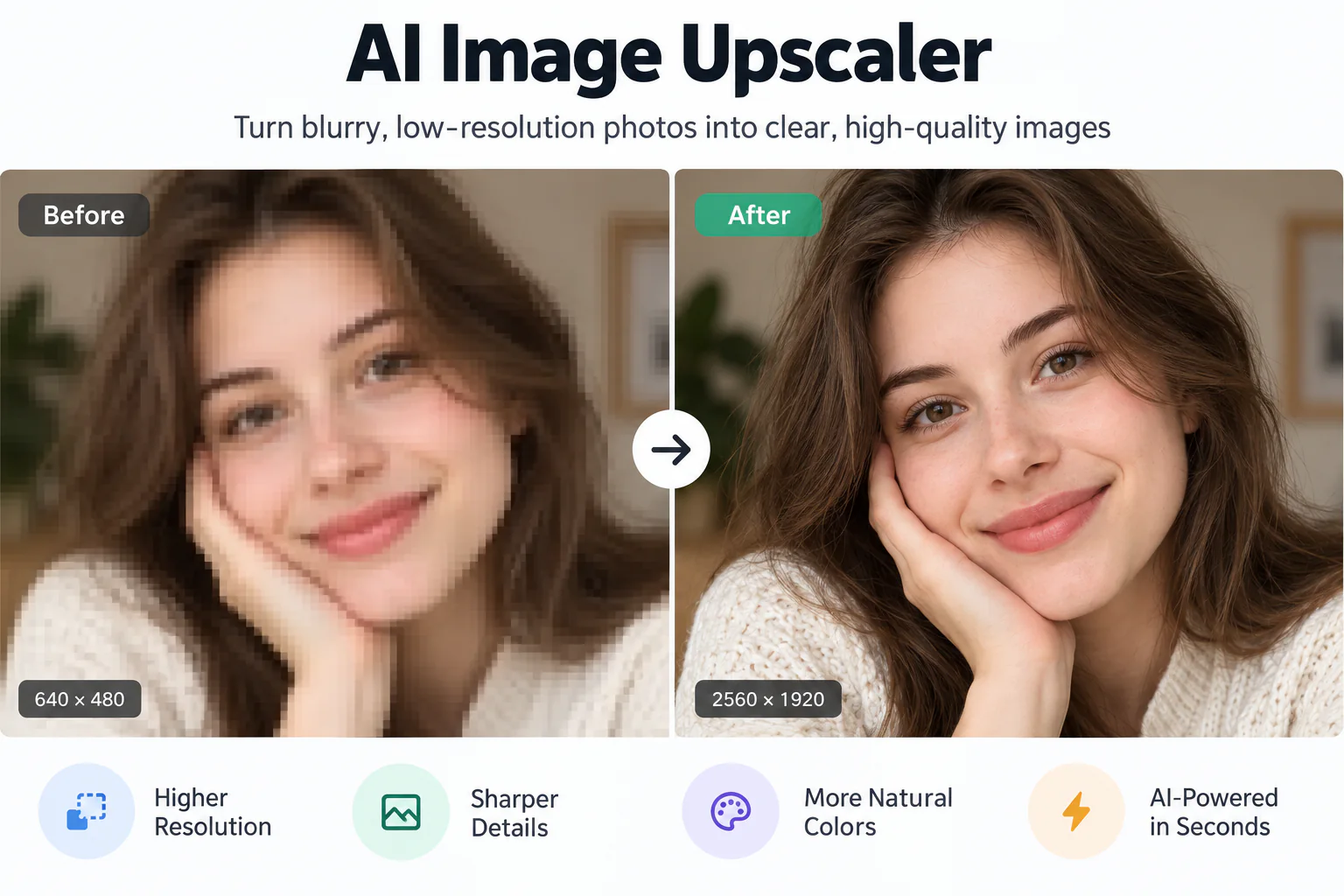
    A JPEG enhancer removes compression artifacts, blockiness, and color banding to restore image fidelity, whereas an image upscaler multiplies pixel dimensions (e.g., 2x or 4x to 4K resolution). For optimal results on low-quality JPGs, you should enhance the photo first to clean up compression damage, and then upscale it to 4K for printing or high-res displays.

  5. 5

    Will enhancing a JPEG increase or decrease its file size?

    Enhancing a JPEG typically increases its file size slightly because the AI synthesizes genuine high-frequency micro-textures and removes aggressive lossy quantization. Clean, detailed images naturally require more data to store than heavily compressed, flat, or blurred images, resulting in superior visual fidelity.

  6. 6

    Can a JPEG enhancer fix blurry or out-of-focus JPG photos?

    Yes, EnhancePhoto corrects both compression softness and moderate optical blur by analyzing adjacent pixel gradients to sharpen soft edges naturally. While our specialized Image Enhancer handles extreme optical defocus, the JPEG enhancer excels at eliminating the specific soft blur and edge ringing introduced by lossy JPG encoding.

  7. 7

    How does enhancing a JPG compare to enhancing a PNG or WebP image?

    JPG enhancement specifically targets DCT block boundaries and chroma subsampling artifacts unique to lossy JPEG compression, whereas PNG enhancement focuses primarily on sensor noise, focus blur, and lighting adjustments. EnhancePhoto accepts JPG, JPEG, PNG, and WebP inputs, automatically adjusting its neural pipeline to match the file type.

  8. 8

    Does EnhancePhoto compress or alter facial features when enhancing portrait JPEGs?

    No, EnhancePhoto strictly preserves facial geometry, personal identity, and natural expressions while cleaning compression artifacts. The model sharpens eyes, lips, and facial hair contours without creating an artificial airbrushed or plastic skin appearance.

  9. 9

    Are my uploaded JPEG photos kept private and secure?

    Yes, your uploaded photos are strictly protected and never published to public galleries or used to train public machine learning models. Uploads and processed outputs are stored in your private account History and can be deleted at any time in accordance with our Privacy Policy.

  10. 10

    Can I use the enhanced JPEG images for commercial projects?

    Yes, you retain full ownership and commercial rights to all images enhanced with EnhancePhoto. You can freely use your restored visuals for e-commerce stores on Amazon or Shopify, digital marketing campaigns, client photography deliverables, and print publications.

Ready to Fix Compressed JPEGs and Restore Photo Quality?

Upload your pixelated or artifact-heavy JPG photo now to inspect crisp, clean details restored instantly.