Enhance Picture Quality Online Free – Turn Blurry Snaps into Crisp Photos

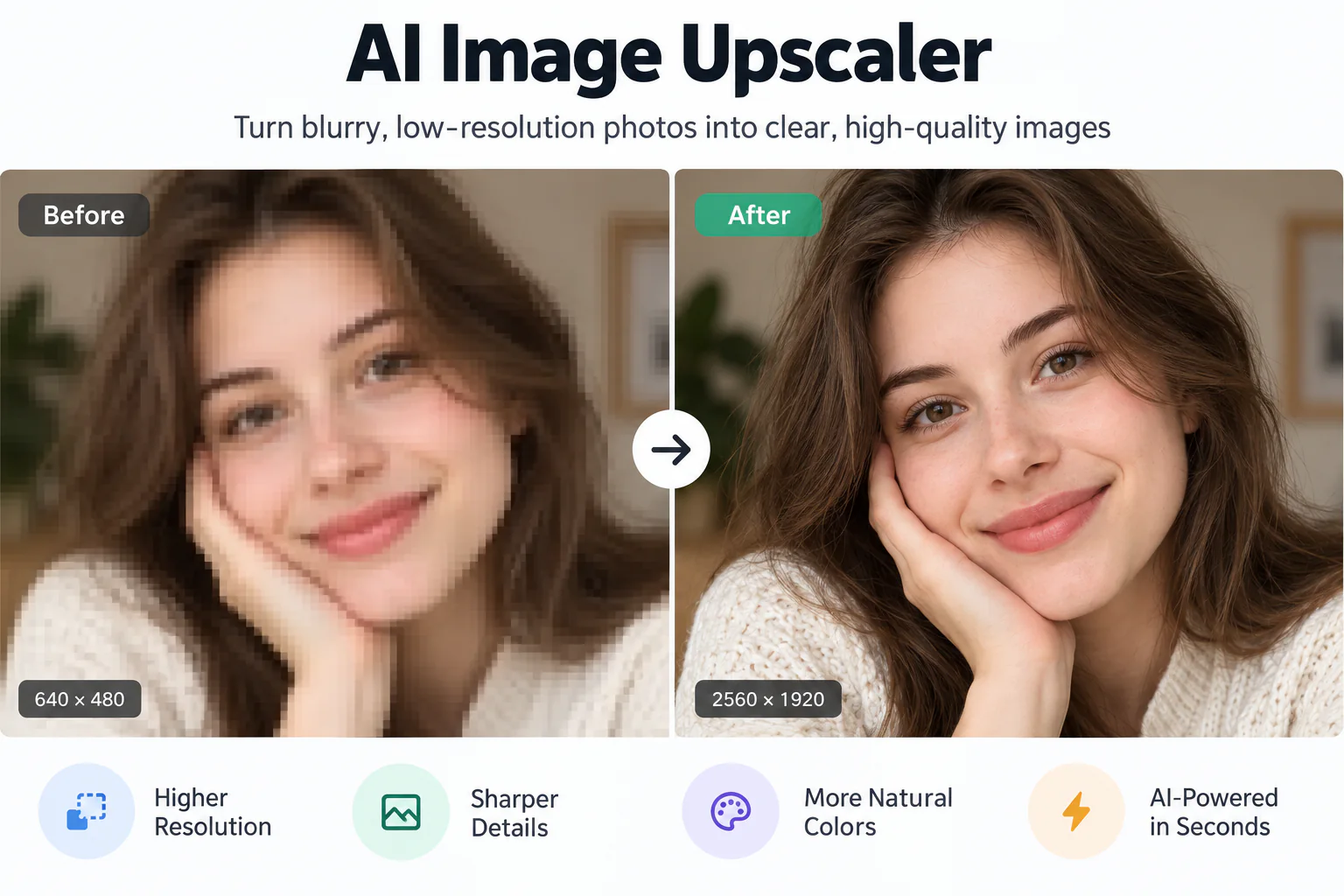
Enhance picture quality online free with zero software installation. Upload any phone capture, social media post, or product photo to sharpen soft edges, rebalance dull colors, and preview crystal-clear details in your browser.

Enhanced
Original picture
↔
Original pictureEnhanced

Enhance Picture Quality Online Free for Every Camera Capture

Fix blurry phone snapshots, revive washed-out lighting, and eliminate compression grain across everyday photos with no software to install.

Natural Detail Recovery Without Artificial Plastic Looks
01

Natural Detail Recovery Without Artificial Plastic Looks

Over-sharpening filters often turn portraits and outdoor shots into waxy, plastic-looking images with harsh edge outlines. EnhancePhoto uses deep learning trained on high-resolution cameras to recover genuine micro-textures—like individual hair strands, eyelash definition, and fabric weave—keeping your picture completely natural and authentic.
Intelligent Exposure Balance and Vivid Color Correction
02

Intelligent Exposure Balance and Vivid Color Correction

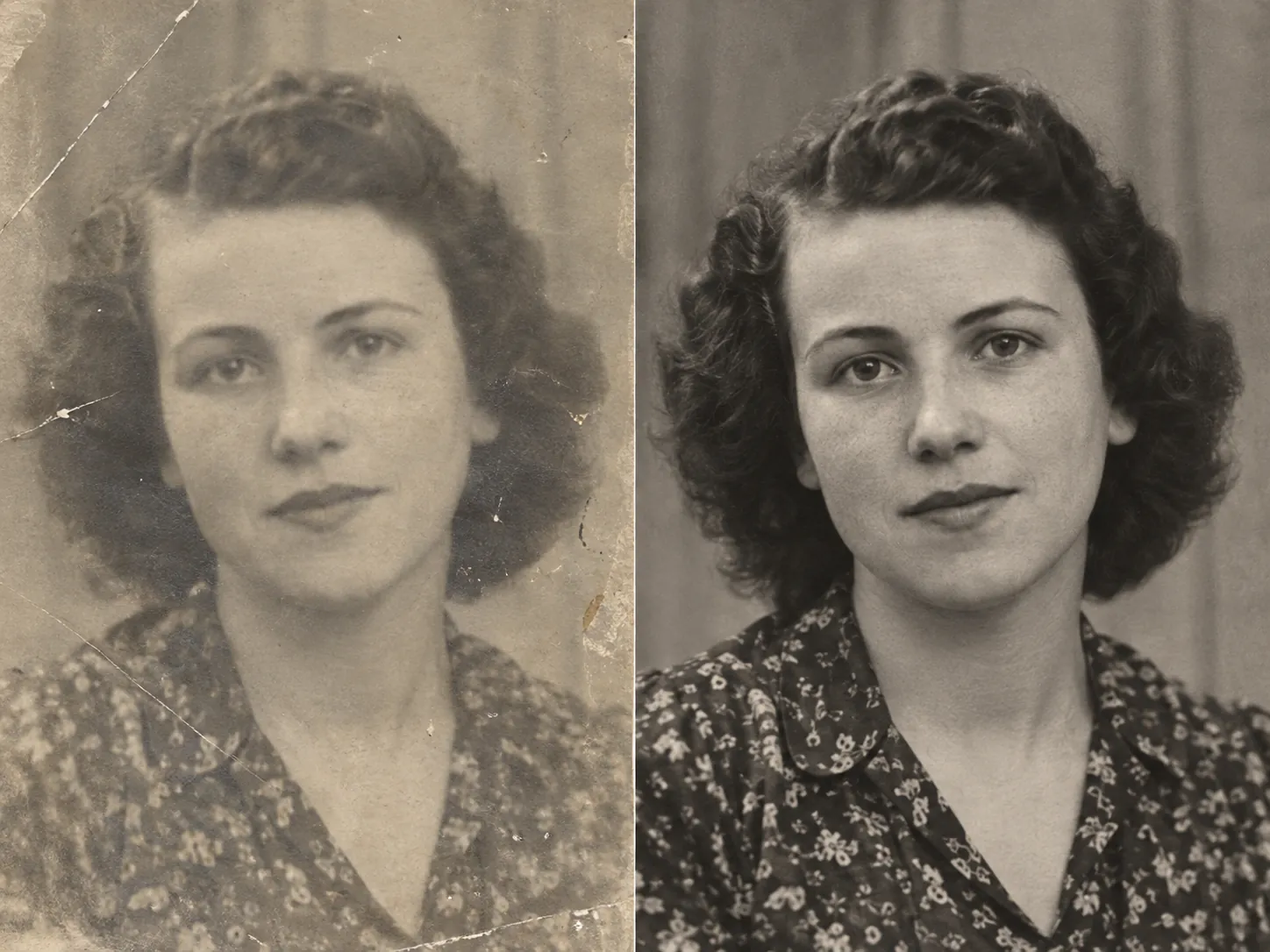
Dull lighting, backlighting, and dark shadows frequently ruin otherwise great snapshots. Our AI analyzes image luminance and color tone across shadow and midtone gradients, lifting underexposed subjects and restoring vibrant, lifelike color saturation without blowing out delicate highlights.

Instant Clarity for Smartphone Snaps, Social Posts, and Product Listings
03

Instant Clarity for Smartphone Snaps, Social Posts, and Product Listings

Everyday photography faces common challenges: slight hand movement, missed camera autofocus, and aggressive compression from Instagram, Facebook, or messaging apps. EnhancePhoto corrects soft focus and noise patterns in one click, making phone memories and e-commerce product photos look crisp and professional.

Ready for Crisp Marketplace Display and High-Resolution Printing
04

Ready for Crisp Marketplace Display and High-Resolution Printing

Present crisp product photos on Amazon, Shopify, or eBay that earn customer trust and improve sales conversions. Clean, sharp visuals also look fantastic in digital family photo albums or printed keepsakes. When you need large-format poster prints, you can upscale your enhanced picture directly to 4K resolution.

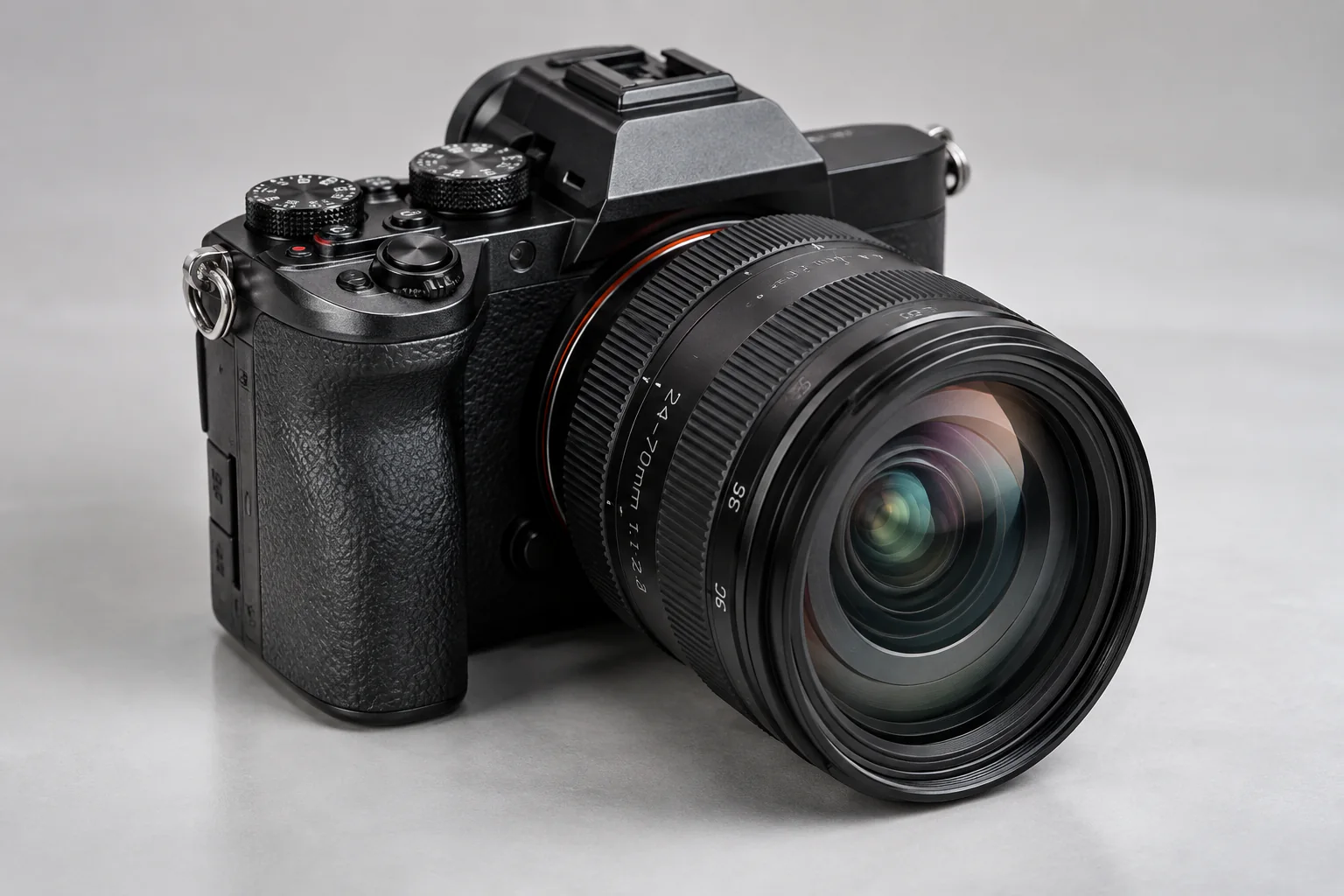
Upscale pictures to 4K for print

How to Enhance Picture Quality Online Free in 3 Simple Steps

Upload your everyday snapshot, let our online AI engine restore sharp edges and balanced contrast, then inspect your enhanced picture with the interactive slider before saving.

  1. 1

    Upload your picture

    Drop any JPG, PNG, or WebP photo into the browser up to 10 MB. Smartphone snapshots, social media downloads, and product photos are ready instantly.

  2. 2

    AI enhances picture quality

    Our neural engine automatically analyzes lighting, removes grain, sharpens soft contours, and restores authentic textures at native 1x resolution.

  3. 3

    Compare and save

    Drag the interactive Before/After slider to preview crisp details side by side, then download your finished high-quality picture.

Next steps after enhancing picture quality

Combine your enhanced picture with our specialized JPEG deblocking, vintage photo restoration, and 4K upscaling tools.

Fix compressed JPEG artifacts

Remove 8x8 block artifacts, ringing halos, and lossy compression damage from downloaded pictures.

Open JPEG Enhancer

Restore vintage family pictures

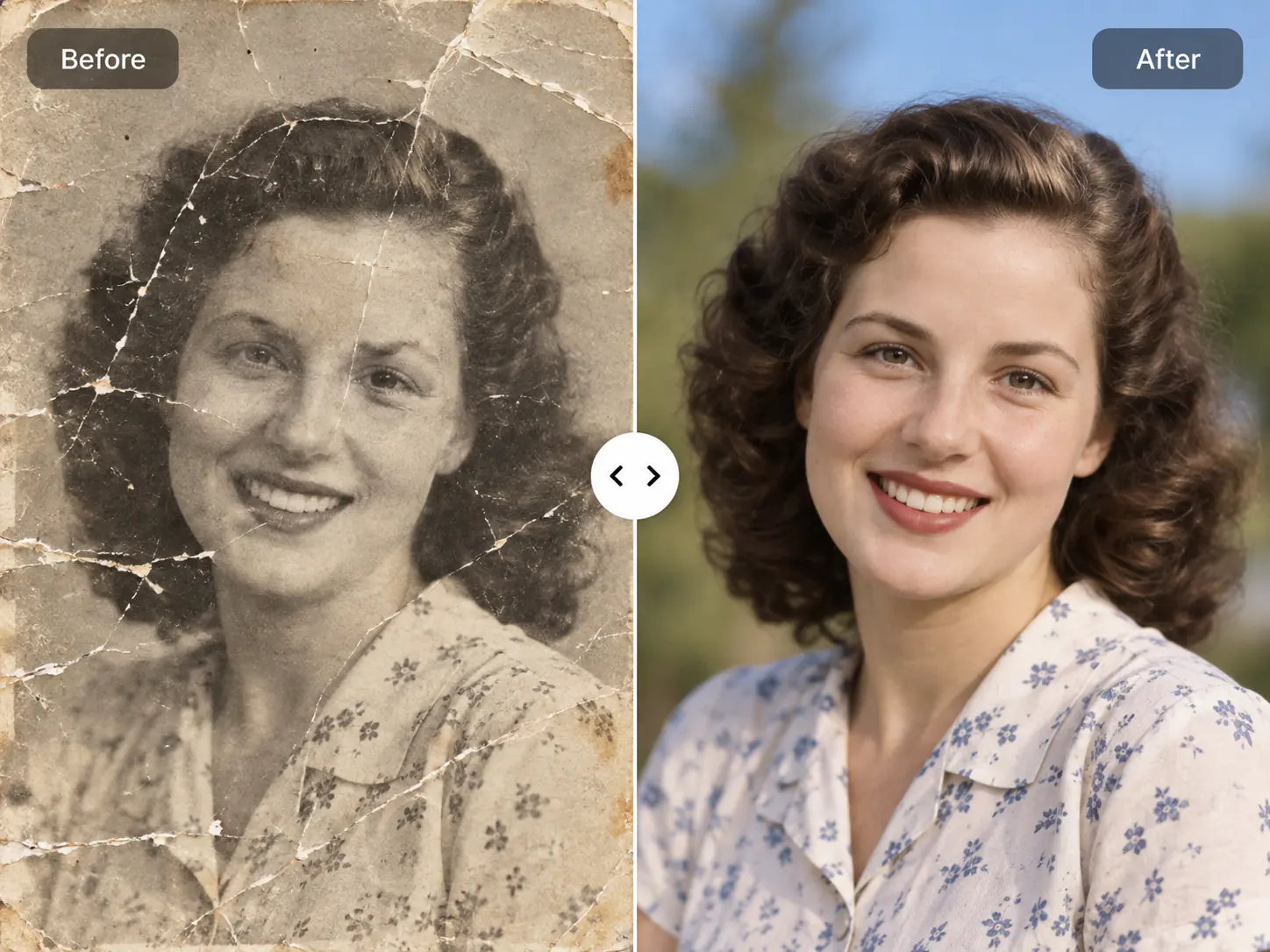
Repair tears, scratches, dust speckles, and faded contrast on historic physical photo prints.

Open Photo Restoration

Upscale pictures to 4K

Enlarge your enhanced picture up to 4K resolution for large-format printing after restoring clarity.

Open Image Upscaler

Enhance Picture Quality Online Free FAQ

Common questions about enhancing picture quality online for free, fixing blurry phone pictures, watermarks, privacy, and file formats.

Enhance Picture Quality Online Free FAQ

Common questions about enhancing picture quality online for free, fixing blurry phone pictures, watermarks, privacy, and file formats.

  1. 1

    How can I enhance picture quality online free without installing software?

    To enhance picture quality online free, upload your photo to EnhancePhoto directly in any desktop or mobile browser. Our AI model automatically sharpens blurry contours, balances exposure, and previews the result instantly with zero software download. You do not need expensive software like Photoshop or complex mobile apps. Simply drag and drop your JPG, PNG, or WebP picture onto the upload area to inspect crisp details side by side.

  2. 2

    Is EnhancePhoto a free online picture quality enhancer?

    Yes, EnhancePhoto lets you enhance picture quality online free with interactive side-by-side previews before spending credits or downloading high-resolution files. New accounts receive complimentary credits to test the tool on real photos. You can evaluate the before-and-after comparison directly in your browser without entering credit card information.

  3. 3

    Can I enhance picture quality without Photoshop or editing experience?

    Yes, EnhancePhoto requires zero editing skills or Photoshop knowledge because the AI automatically identifies soft focus, dull contrast, and digital noise. Traditional desktop photo editors force you to tweak unsharp masks, curves, and noise sliders manually. EnhancePhoto handles all adjustments in one click, delivering clean edges and balanced color tones within seconds.

  4. 4

    Will this tool put watermarks on my enhanced pictures?

    No, EnhancePhoto does not place watermarks across your enhanced pictures, ensuring clean visuals ready for personal or commercial presentation. Many free tools stamp ugly branding logos across the center of your images. EnhancePhoto exports clean, unblemished photos so you can share them directly to social feeds or client galleries.

  5. 5

    What is the difference between enhancing picture quality and upscaling?

    Enhancing picture quality improves sharpness, contrast, and fine details at native resolution, whereas upscaling multiplies the pixel dimensions (such as 2x or 4x to 4K). If your snapshot is blurry or pixelated, upscaling it first merely blows up the blur. Enhancing picture quality fixes the underlying visual clarity first; you can then optionally upscale the clean image to 4K if you plan to print large posters.

  6. 6

    How does enhancing picture quality differ from using a JPEG enhancer?

    A picture quality enhancer fixes general focus blur, lighting balance, and everyday camera softness, whereas a JPEG enhancer specifically targets 8x8 block artifacts and compression noise. Use the JPEG enhancer when an image has noticeable blocky compression grids from messaging apps. Use this picture quality enhancer when you need overall sharpness, better contrast, and richer details across phone snaps or product listings.

  7. 7

    Can I enhance blurry pictures taken with a smartphone camera?

    Yes, EnhancePhoto easily fixes common smartphone photo flaws, including hand-shake blur, missed autofocus, low-light grain, and lens softness. Smartphone cameras frequently produce noisy or soft images in dim indoor lighting. Our neural engine reconstructs crisp facial features, clothing textures, and sharp background contours while keeping skin looking natural.

  8. 8

    How do I improve picture quality for Instagram, Facebook, or e-commerce listings?

    Upload your social media or product photo to EnhancePhoto to recover crisp details and vibrant colors lost to aggressive platform compression. Social networks aggressively compress pictures upon upload, making product shots look fuzzy. Enhancing your images before publishing ensures sharp text, defined textures, and eye-catching product presentations on Shopify, Amazon, or Instagram.

  9. 9

    What image formats and file sizes are supported?

    EnhancePhoto supports JPG, JPEG, PNG, and WebP image formats with file sizes up to 10 MB per picture. Whether you are uploading a mobile camera snapshot, a PNG screenshot, or a lightweight WebP graphic, the platform processes your file quickly within the 10 MB limit.

  10. 10

    Are my uploaded pictures private and can I use the results commercially?

    Yes, your uploads remain private and secure, and you retain 100% commercial ownership rights to all pictures enhanced on EnhancePhoto. Your pictures are never shared in public galleries or sold to third parties. You can freely use your enhanced pictures for business websites, client marketing, e-commerce stores, and digital advertising campaigns.

Ready to Enhance Picture Quality Online for Free?

Upload your everyday photo or product shot now to see crisp, vibrant details restored in seconds.