Colourise.sg Alternative — Free AI Photo Colorizer

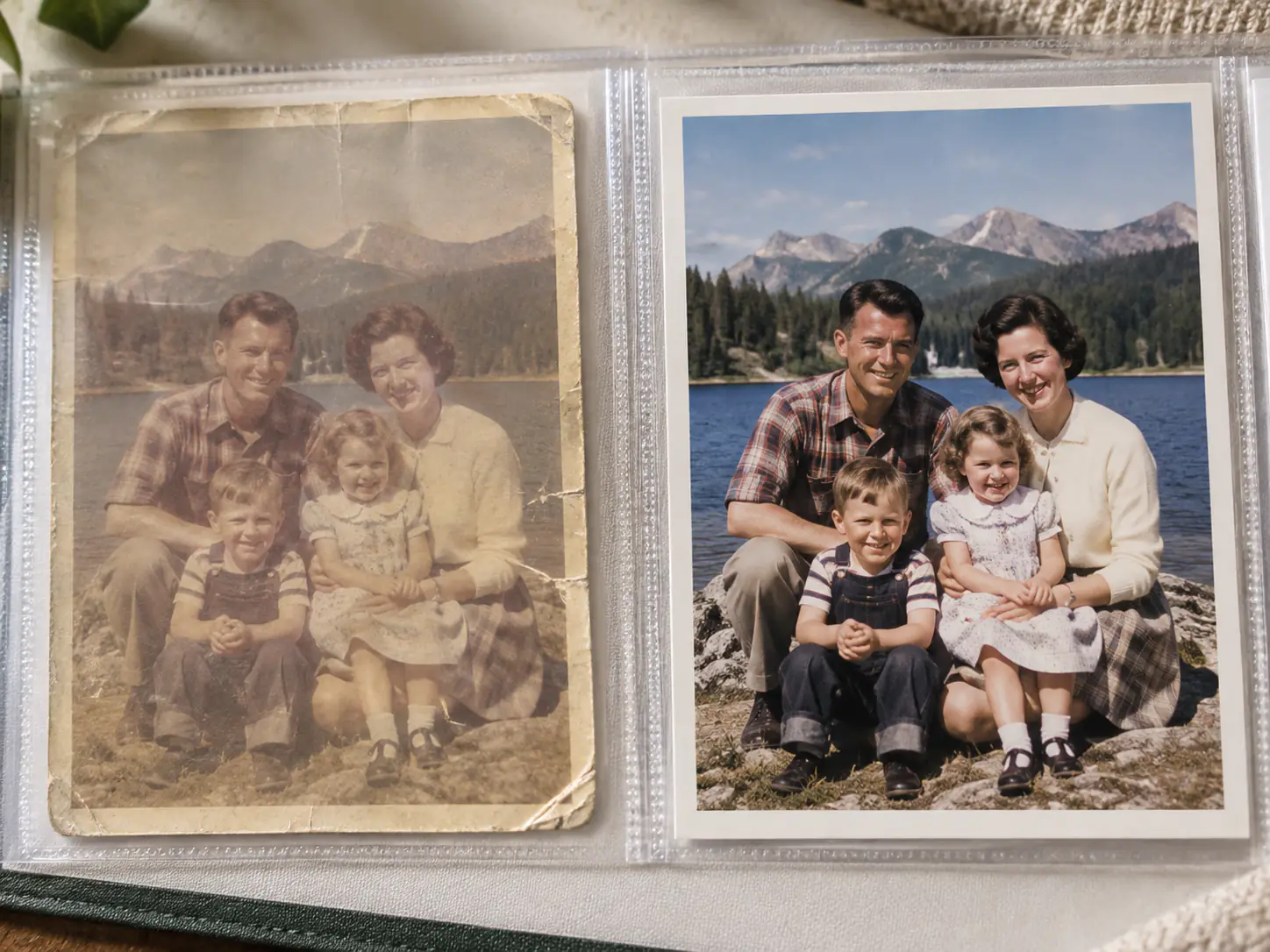
Colourise.sg and Algorithmia Colorize Photos are offline—upload any black-and-white photo below to colorize it online in seconds.

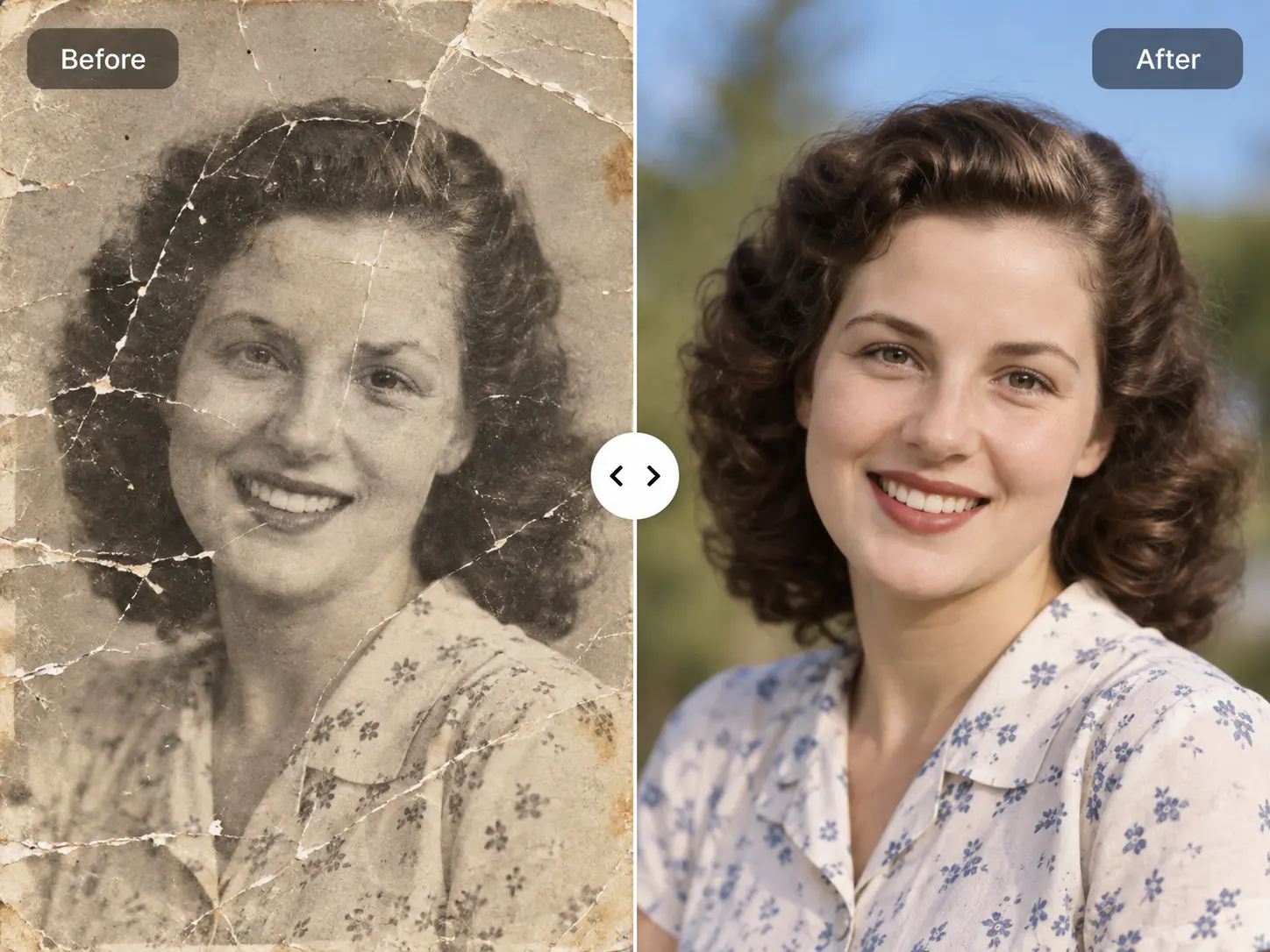
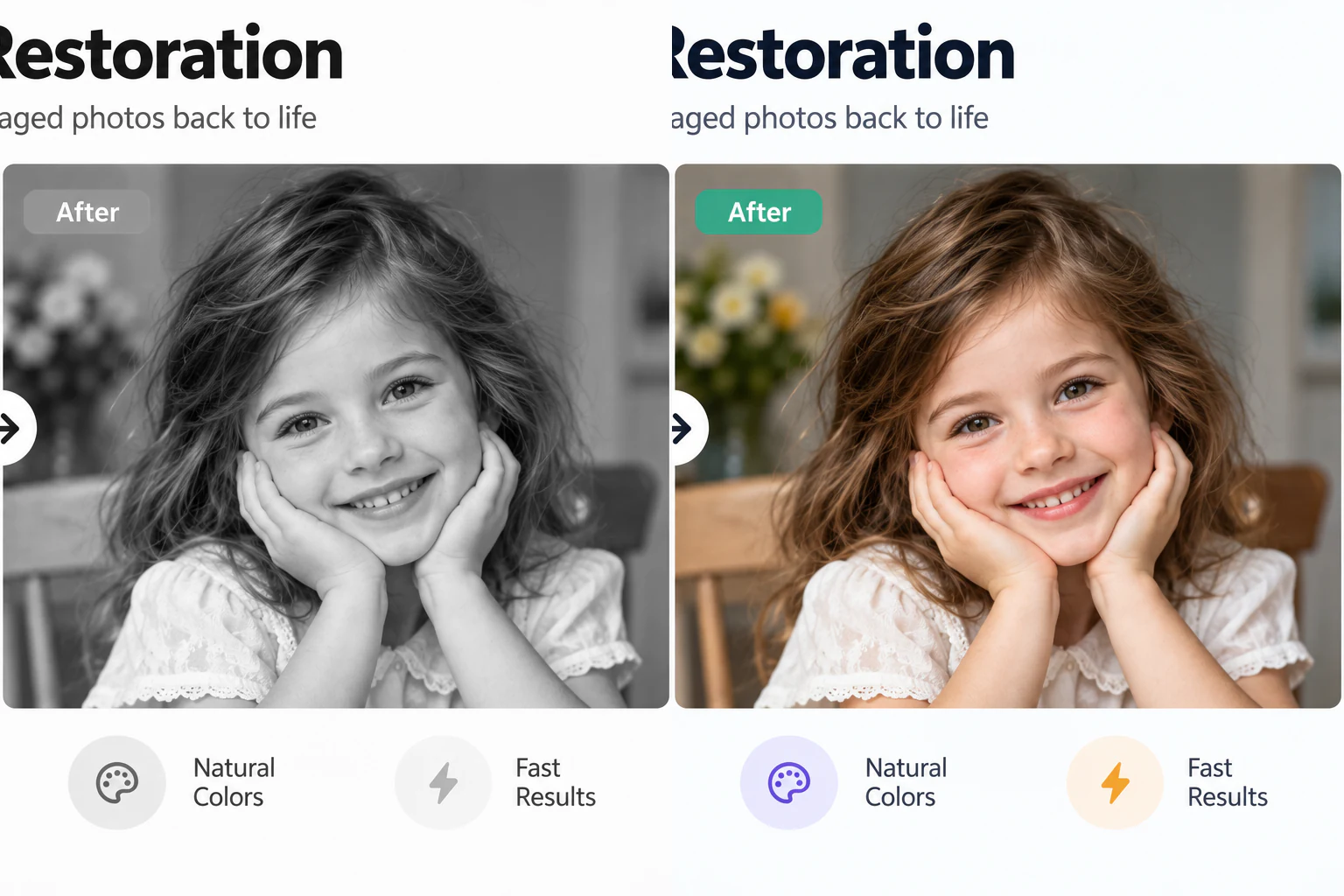
Colorized
Black & white
↔
Black & whiteColorized

Independent alternative notice: EnhancePhoto is an independent AI photo tool and has no affiliation with GovTech Singapore, Colourise.sg, Colourise.com, Algorithmia, or DataRobot. This page documents the current status of those retired demos and provides an objective feature comparison.

Status & specs verified .

What Happened to Colourise.sg and Algorithmia Colorize Photos?

Colourise.sg launched in February 2019 as an experimental hackathon project by GovTech Singapore’s Data Science and AI Division. It quickly earned coverage in photography publications for letting anyone colorize historical Singapore and family photos in a browser, but the original public prototype was later retired once its proof-of-concept cycle ended.

Around the same era, Algorithmia’s public demo at demos.algorithmia.com/colorize-photos became one of the most widely linked free colorizers on genealogy sites and educational blogs. Following DataRobot’s acquisition of Algorithmia in July 2021, the company focused on enterprise MLOps and took the public demos.algorithmia.com endpoints offline.

Colourise.sg & Algorithmia vs. Working Alternatives (2026)

Side-by-side comparison of retired browser demos, EnhancePhoto’s maintained web colorizer, and local open-source pipelines.

FeatureColourise.sg / AlgorithmiaEnhancePhoto (Online)DeOldify / ComfyUI (Local)
Current StatusRetired / offline (original free tools no longer work)Active browser tool, maintained dailyActive open-source repos (self-hosted)
Account & SetupPreviously no-login web demosNo login for 2 guest credits/day; 4/day signed inRequires local Python/GPU or Colab setup
Supported FormatsLegacy JPG/PNG uploadJPG, PNG, WebP up to 10 MB per photoDepends on local workflow & VRAM
Export & WatermarkN/A (offline)Free exports include small watermark; paid packs ($4.99 / 200 credits) or plans unlock watermark-free HDNo watermark; local hardware limited
Companion ToolsColorization onlyPhoto Restoration, 2K/4K Upscaler, and One-Click Enhancer in one workspaceManual node chaining (GFPGAN, ESRGAN, DDColor)

Next Steps for Old Family & Archival Photos

Fix Scratches & Faded Faces First

If your black-and-white print has tears, creases, or motion blur, restore damage before colorizing for cleaner skin tones.

Open Photo Restoration ->

Enlarge Small Scans to 2K or 4K

Turn low-resolution genealogy scans into print-ready files while keeping faces and text sharp.

Open AI Image Upscaler ->

Dedicated AI Photo Colorizer

Bookmark our permanent colorizer page for fast browser access whenever you digitize new albums.

Go to /photo-colorizer ->

Why Former Colourise.sg & Algorithmia Users Switch

A maintained browser-based black-and-white colorizer with clear credit limits, natural tones, and companion restoration tools.

Natural Skin Tones and Period Colors for Family Archives
01

Natural Skin Tones and Period Colors for Family Archives

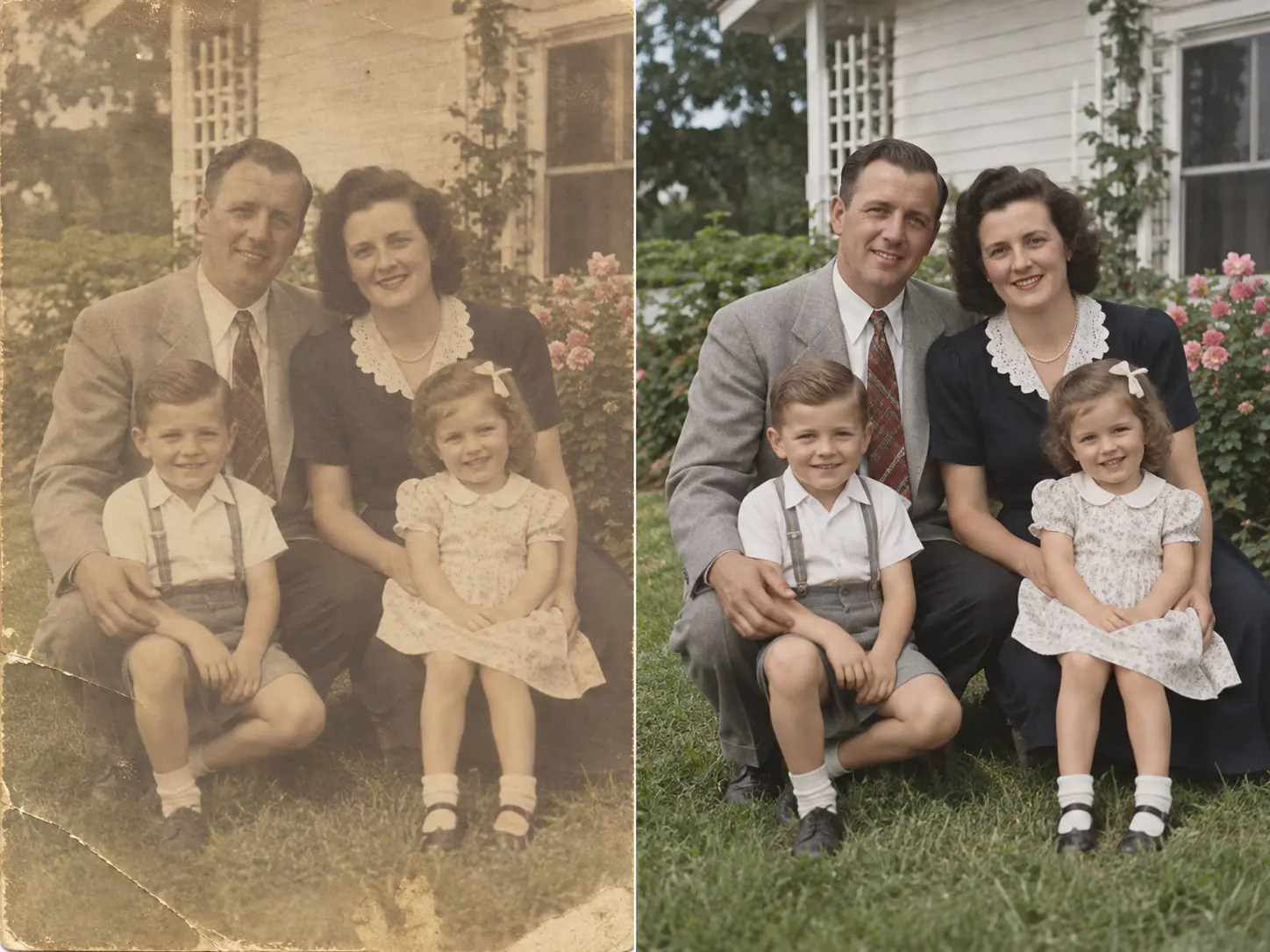
Both Colourise.sg and Algorithmia Colorize Photos became staples in genealogy blogs and classroom projects because they let anyone drop in a scanned black-and-white portrait and see realistic color within seconds. When those prototypes shut down, family historians were left facing broken links or tools that cap free downloads at tiny 500-pixel thumbnails.

EnhancePhoto analyzes facial features, clothing fabrics, foliage, and indoor lighting cues to reconstruct balanced hues without heavy oversaturation. If your print also has creases, dust spots, or faded faces, run our dedicated restoration workflow first so color lands cleanly on intact surfaces.
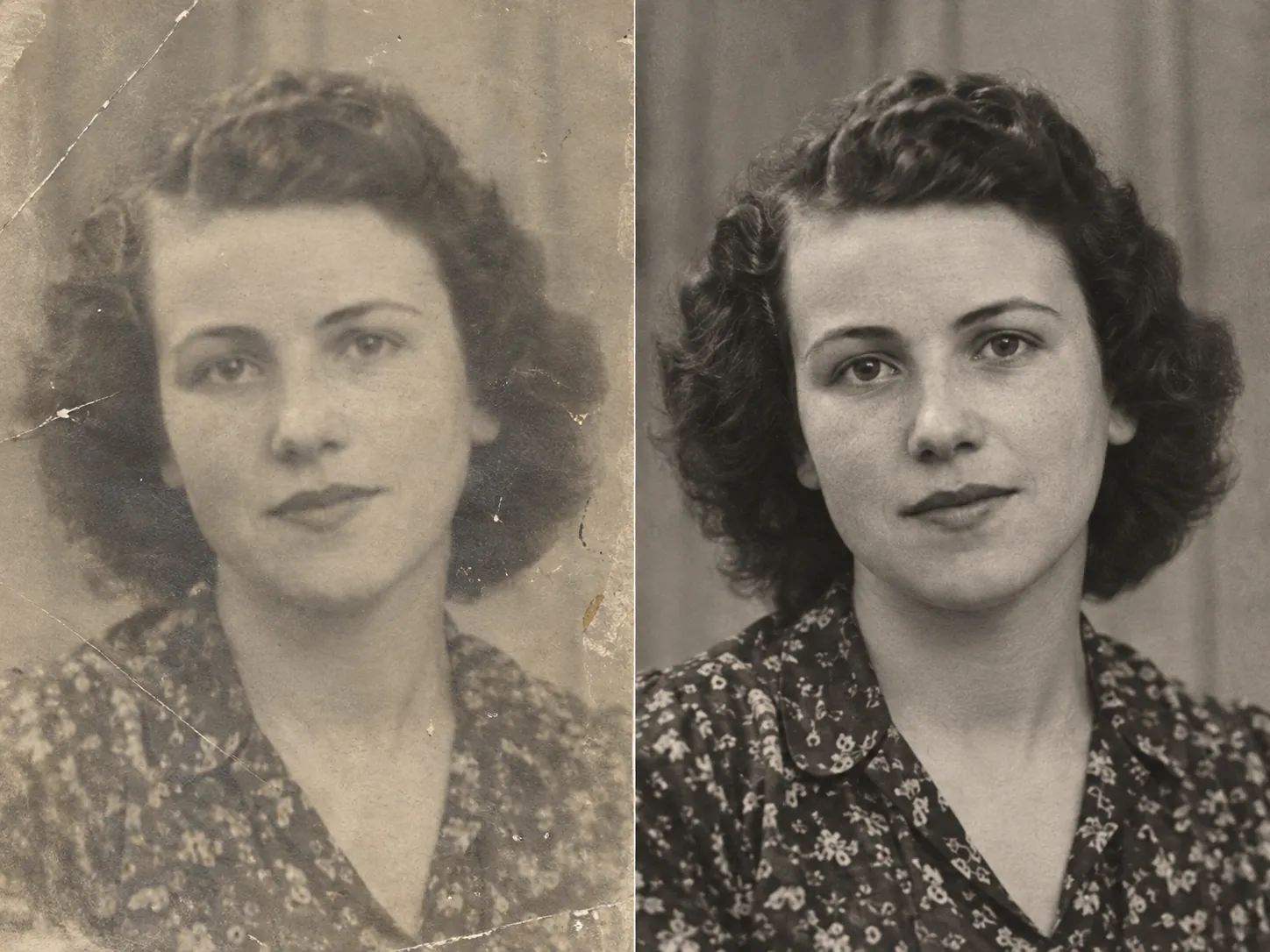
Repair scratches with Photo Restoration
Transparent Daily Credits Without Mandatory Account Walls
02

Transparent Daily Credits Without Mandatory Account Walls

A major frustration reported across restoration forums is uploading a vintage photo only to hit a forced sign-up screen before seeing any preview. EnhancePhoto gives guests 2 free AI credits per day right in the browser—enough to run a full colorization pass immediately—and signed-in free accounts receive 4 free credits every day.

Free downloads include a small enhancephoto.org watermark so you can verify color accuracy before spending a cent. When you need clean, print-ready exports without watermarks, one-time credit packs start at $4.99 for 200 credits (valid for 6 months) with no recurring subscription required.

View transparent pricing & credit packs
Built for Scanned Prints, Sepia Portraits, and Historical Documents
03

Built for Scanned Prints, Sepia Portraits, and Historical Documents

Upload standard JPG, PNG, or WebP scans up to 10 MB from a desktop scanner or phone camera. EnhancePhoto keeps your original framing and facial identity intact while converting monochrome luminance into believable color palettes.

For low-resolution scans digitized decades ago, follow up with AI upscaling to enlarge the finished color photo to 2K or 4K before printing or sharing in a family tree album.

Upscale colorized scans to 2K/4K
Browser Convenience vs. Local Open-Source Colorization
04

Browser Convenience vs. Local Open-Source Colorization

If you are digitizing thousands of institutional negatives and own a dedicated GPU, local open-source pipelines such as DeOldify or ComfyUI with DDColor remain strong offline alternatives with no per-image cloud cost.

For everyone else—genealogists, teachers, students, and families restoring a handful of heirloom prints—EnhancePhoto delivers instant browser colorization across Windows, macOS, and mobile devices with zero Python or model setup.

Open the full AI Photo Colorizer

How to Colorize Black-and-White Photos Online

Replace broken Colourise.sg and Algorithmia demo bookmarks with a 3-step browser workflow.

  1. 1

    Upload Your Black-and-White Scan

    Drop, paste, or select a JPG, PNG, or WebP monochrome or sepia photo up to 10 MB—no sign-up needed for your daily guest credits.

  2. 2

    Automatic AI Color Reconstruction

    EnhancePhoto processes skin tones, period garments, and background textures in seconds while keeping facial details faithful to the original.

  3. 3

    Compare Before & After, Then Export

    Inspect the interactive slider and download your colorized photo directly in the browser, or continue into upscaling and restoration.

Related Photo Tools & Migration Guides

Continue restoring old prints or explore alternatives to other retired online image tools.

AI Photo Colorizer

Our main browser-based black-and-white photo colorization workspace for vintage portraits and historical prints.

Open tool

AI Photo Restoration

Repair creases, scratches, faded contrast, and blurry faces on damaged old prints before or after colorizing.

Restore photo

AI Image Upscaler

Enlarge small vintage scans to crisp 2K or 4K resolution for framing and archival printing.

Upscale image

Zyro Image Upscaler Alternative

Migrating from the retired Zyro AI Image Upscaler? Compare options and upscale directly in your browser.

View guide

Photolemur Alternative

Looking for an online replacement after Skylum discontinued Photolemur? Try one-click AI photo enhancement.

View guide

Colourise.sg & Algorithmia Alternative FAQ

Factual answers about the retired demos, free daily credits, file limits, and local open-source options.

Colourise.sg & Algorithmia Alternative FAQ

Factual answers about the retired demos, free daily credits, file limits, and local open-source options.

  1. 1

    What happened to Colourise.sg and why is it not working?

    Colourise.sg launched in February 2019 as a proof-of-concept hackathon prototype by GovTech Singapore’s Data Science and AI Division and was later retired after its prototype lifecycle ended. Today the original free GovTech tool no longer loads, and EnhancePhoto offers an independent browser-based AI colorizer as a working replacement.

  2. 2

    Why does Algorithmia Colorize Photos no longer load?

    Algorithmia was acquired by DataRobot in July 2021 and shifted focus toward enterprise MLOps, retiring its public consumer demo site at demos.algorithmia.com/colorize-photos. You can upload the same black-and-white JPG, PNG, or WebP scans directly into the colorizer on this page.

  3. 3

    Is EnhancePhoto affiliated with Colourise.sg or Algorithmia?

    No. EnhancePhoto is an independent AI photo tool and has no affiliation with GovTech Singapore, Colourise.sg, Colourise.com, Algorithmia, or DataRobot. This page is an alternative and comparison guide for users looking for a working browser-based colorizer.

  4. 4

    Can I colorize black-and-white photos for free without signing up?

    Yes. Guests receive 2 free credits per day without creating an account—enough for one standard colorization run—and signed-in free accounts receive 4 free credits daily. Free downloads include a small enhancephoto.org watermark; paid credit packs (starting at $4.99 for 200 credits) or subscriptions unlock watermark-free HD exports.

  5. 5

    What file formats and sizes are supported for vintage family photo scans?

    EnhancePhoto accepts JPG, PNG, and WebP images up to 10 MB per file directly in desktop or mobile browsers. For fragile prints with tears, creases, or faded faces, run Photo Restoration first before applying color.

  6. 6

    When should I use local open-source tools like DeOldify or ComfyUI instead?

    If you have thousands of archival photos and a capable GPU—or strict offline privacy requirements—running open-source models such as DeOldify or ComfyUI with DDColor locally avoids per-image cloud limits. EnhancePhoto is built for fast, zero-setup browser colorization when you want results in seconds without coding.

Ready to Colorize Your Vintage Photos?

Upload a black-and-white portrait or family scan right in your browser—start with 2 free guest credits daily.