Portraits & Old Photos
Upscale low-res portraits and family scans without plastic smoothing—eyes, hair, and skin stay natural.
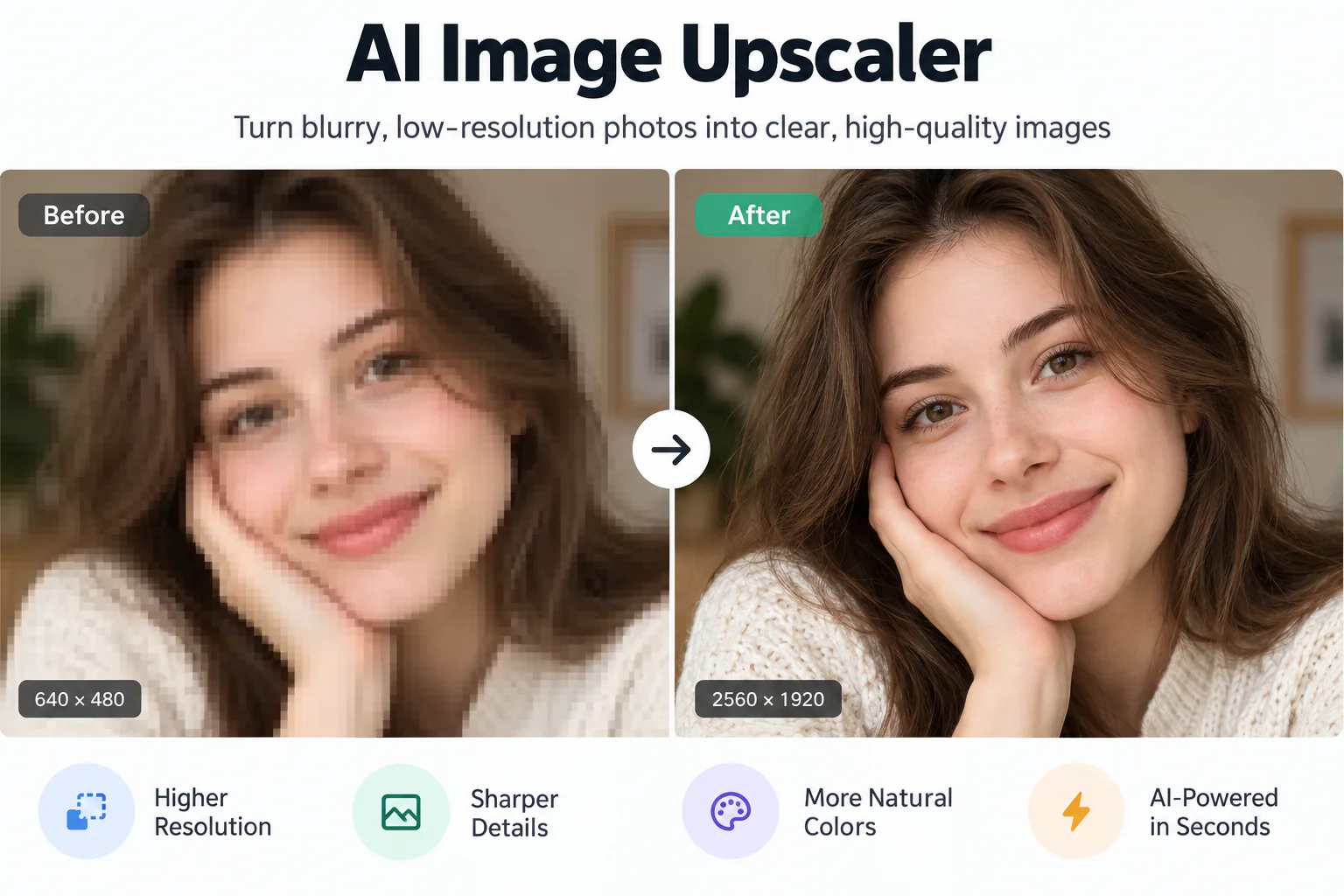
↔
BeforeAfterOutput resolution
Download format
Free credits today: 0
Zyro AI Image Upscaler moved offline after the Hostinger merger—upload a JPG, PNG, or WebP below to upscale to 2K or 4K directly in your browser.

AI restores visible detail while preserving the original composition and aspect ratio.
Independent alternative notice: EnhancePhoto is an independent AI image upscaling platform and is not affiliated with Zyro or Hostinger. This page documents the retirement of Zyro’s standalone upscaler and compares active browser and desktop options.
Status & specs verified .
Zyro AI Image Upscaler (zyro.com/tools/image-upscaler) was widely bookmarked by e-commerce sellers, bloggers, and designers because it let anyone enlarge small photos in a browser without creating an account. After Zyro merged its website builder and brand into Hostinger, the standalone free utility pages were retired.
Today, visiting zyro.com/tools/image-upscaler returns a permanent 301 redirect to Hostinger’s merger announcement blog post rather than a working upscaling interface. If you relied on Zyro to quickly enlarge product thumbnails, blog hero banners, or compressed JPGs, you can run the same drop-and-upscale workflow directly above on this page.
Factual comparison of the retired Zyro web utility, EnhancePhoto’s browser upscaler, and local GPU desktop software.
| Feature | Zyro Image Upscaler | EnhancePhoto (Browser) | Upscayl (Offline Desktop) |
|---|---|---|---|
| Current Status | Retired (301 redirects to Hostinger blog post) | Active online tool, no install required | Active open-source app (Windows / macOS / Linux) |
| Target Resolution | Fixed basic web upscale (offline) | 2K (2x) and 4K (4x) with aspect ratio preserved | Up to 4x+ depending on local GPU & model |
| Scene Controls | Single automatic mode | 6 scene presets: General, Portrait, Object, Scenery, Pets, Text | Multiple downloadable ESRGAN model packs |
| Free Usage & Batch | N/A (offline) | 2 guest credits/day (no login), 4/day signed in; batch up to 10 images with paid credits or plans | Unlimited local runs; requires capable GPU |
| Watermark & Paid Tier | N/A (offline) | Free exports include small watermark; paid packs ($4.99 / 200 credits) or plans unlock watermark-free HD | No watermark; 100% local processing |
Bookmark our dedicated 2K/4K upscaler page for daily product photos, social graphics, and print prep.
If your image contains menus, UI labels, or scanned text that look smeared, use our text-focused enhancer.
Clean blocky compression noise and color banding on web-saved JPGs before enlarging.
Compare real before-and-after detail across e-commerce product shots, portraits, illustrations, and compressed web graphics.
Upscale low-res portraits and family scans without plastic smoothing—eyes, hair, and skin stay natural.
Sharpen small text, charts, and presentation slides so lines and numbers stay readable at larger sizes.
Clean up product labels, stitching, and textures so storefront images hold up cleanly on zoom.
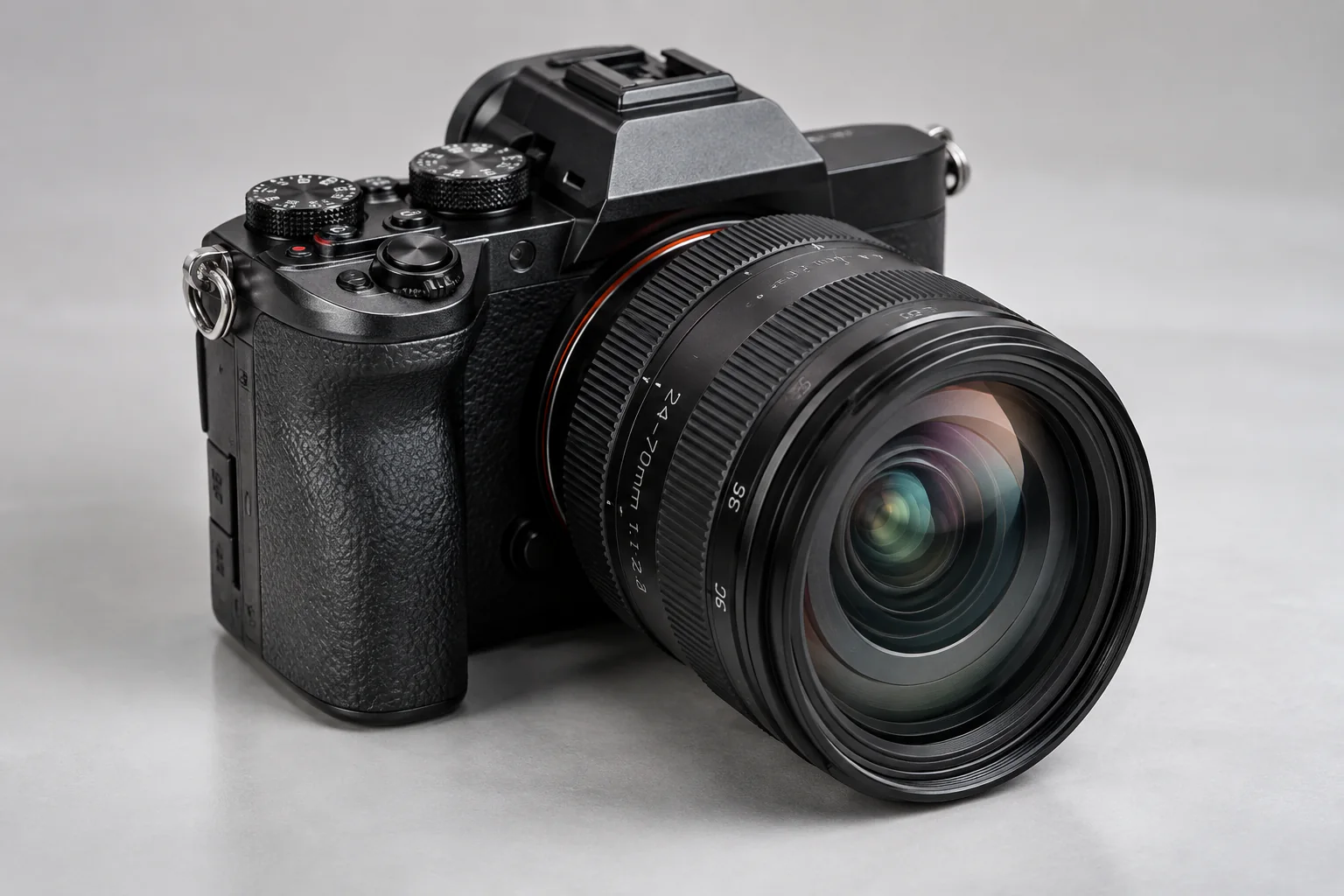
Enlarge artwork, posters, and icons to 2K or 4K while keeping line work and gradients crisp.

Enlarge small JPG, PNG, or WebP files to 2K or 4K in three fast browser steps without installing software.
Select a 2K (2x) or 4K (4x) output target plus an optional scene preset (General, Portrait, Object, Scenery, Pets, or Text), then upload a JPG, PNG, or WebP file up to 10 MB.
Processing begins right after upload with your daily guest credits—no Hostinger account or desktop software installer needed.
Check fine edges, lettering, and product textures side by side, then download in Original, PNG, JPG, or WebP format.
Explore specialized tools for text, JPEG cleanup, and alternatives to other retired AI photo utilities.
Our permanent 2K and 4K online image upscaler for product shots, portraits, and web graphics.
Open upscalerRecover crisp, readable lettering on blurry screenshots, scanned documents, and UI captures.
Sharpen textRemove blocky compression artifacts and ringing around edges on heavily compressed JPG files.
Clean JPEGNeed a working replacement for Colourise.sg or Algorithmia Colorize Photos? Colorize B&W scans online.
View guideOne-click browser photo enhancement for users migrating from discontinued Skylum Photolemur.
View guide2 free credits/day for guests, 4/day when signed in (resets nightly). Exact cost is shown before every run.
Billed annually · $240$120/year
Choose ProEnhancement tools included
Billed annually · $480$240/year
Choose UltimateEnhancement tools included
Billed annually · $960$480/year
Choose MaxEnhancement tools included
Verified answers on the Zyro-to-Hostinger shutdown, free daily credits, 2K/4K limits, text preservation, and offline desktop options.
Zyro merged its brand and website builder tools into Hostinger, retiring its standalone free utilities. Visiting the legacy zyro.com/tools/image-upscaler URL now redirects to Hostinger’s official merger announcement blog post rather than an interactive upscaler.
No. EnhancePhoto is an independent AI image upscaling platform with no connection to Zyro or Hostinger. This page provides a working browser-based alternative and factual comparison for users migrating from the retired Zyro tool.
Yes. You can upload a JPG, PNG, or WebP image up to 10 MB right above the fold without signing up, using 2 free guest credits per day (or 4 free credits per day after signing in). Free downloads carry a small enhancephoto.org watermark, while any paid credit balance (starting at $4.99 for 200 credits) removes the watermark and unlocks batch upscaling up to 10 images.
EnhancePhoto supports 2K (2x) and 4K (4x) target upscaling while preserving your original aspect ratio. You can also select a scene preset (General, Portrait, Object, Scenery, Pets, or Text) so the upscaler sharpens edges without introducing jagged halos.
Yes, choosing the Text or Object scene preset helps preserve crisp lettering and clean contours on e-commerce packshots, menus, and UI screenshots. For heavily compressed screenshots with unreadable letters, you can also try our dedicated Enhance Text in Image or JPEG Enhancer tools.
If you have a dedicated GPU and need unlimited offline local processing for large folders, free open-source desktop software like Upscayl is a solid choice. EnhancePhoto is ideal when you want instant 2K/4K upscaling from any laptop or phone browser with no installation.